
TL;DR
AI room makeover tools let you upload a photo of your space and instantly test layouts, furniture, and colors. This visual clarity removes guesswork, speeds up decisions, and prevents costly design mistakes, so you design faster and with confidence. The fastest way to design a room today is to use photo-based AI tools that let you preview layouts, furniture, and colors directly in your space, so you can test and decide before spending money.
Why Homeowners and Agents Struggle With Fast Room Design

Homeowners use AI-powered room visualization tools to see real-time design decisions, accelerating home design and avoiding costly renovation mistakes by previewing different options in their actual spaces with virtual staging and AI visualization platforms.
Most people are frustrated by how long it takes to design a room, whether they’re moving in, listing a home, or renovating. The real barrier isn’t the abundance of style choices, but the lack of clear decisions. You aren’t just picking colors or furniture, you’re trying to visualize how everything will fit, function, and look in your actual space. Decision delays happen because you can’t visualize walking space, furniture scale, or lighting before moving anything. When you can’t see the result clearly, you hesitate and rethink your steps. This uncertainty, not the labor or complexity, causes delays and costly mistakes. The typical process depends on your imagination, not on reliable visuals. As a result, buyers, sellers, and homeowners all waste time (and money) trying to fix issues that could have been prevented with better planning.
-
Quick Answer: Why AI Room Makeovers Are Faster

Quick Answer: Why AI Room Makeovers Are Faster Image
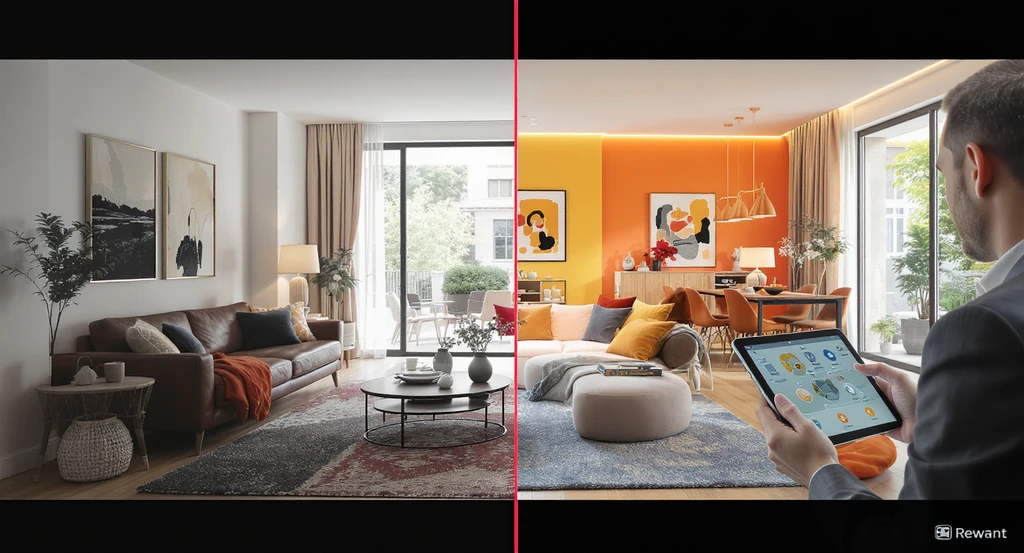
AI room makeover tools let you upload a photo of your space and instantly preview different layouts, furniture, and color palettes. This visual clarity also helps homeowners and agents see if furniture fits walking paths and maintains functional flow. The moment you can actually see how changes would look in your exact room, you eliminate guesswork. This is the main driver of fast, confident decisions: you can accept, revise, or reject each idea in real time, moving projects forward without months of indecision. The process is practical, visuals are updated on the spot, using your room’s real dimensions and lighting. There’s no need to visualize mentally or risk expensive mistakes. You see what works, skip what doesn’t, and feel confident before spending money. For agents and sellers, this means listings become more attractive, easier to stage, and faster to update based on feedback.
Expert Insight
A family wanted to renovate their living and dining area but spent months debating sofa placement. Once they uploaded a simple photo to an AI design platform, side-by-side layouts made the solution obvious, and their project moved forward within ten minutes, argument-free.
-
What Actually Slows Down Traditional Room Design
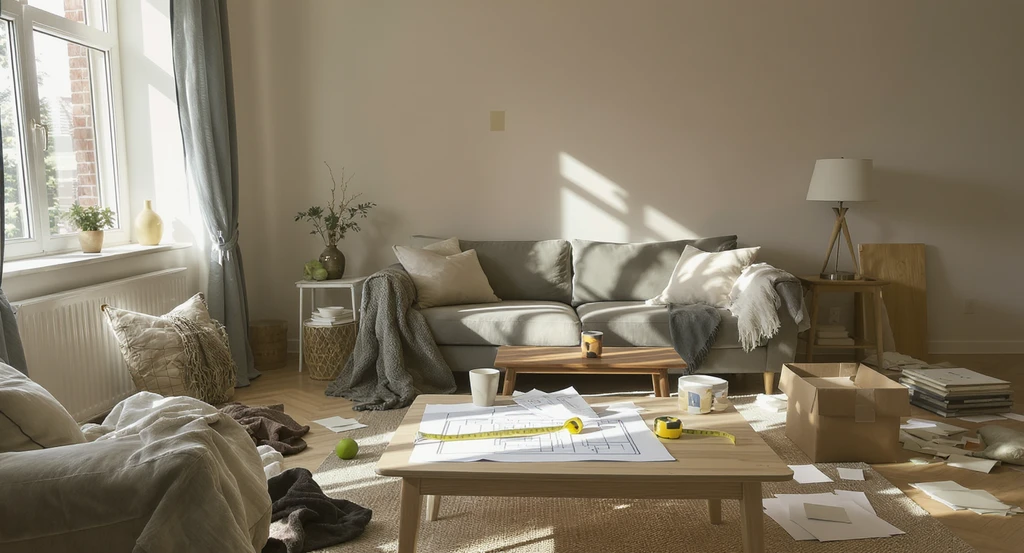
Traditional methods make design changes unpredictable—without ai-powered room visualization tools, homeowners face repeated trial-and-error, slower decisions, and costly mistakes, reinforcing how ai accelerates home design decisions and virtual staging for real estate listing improvement.
Traditional design relies on viewing generic inspiration images, imagining possible outcomes, and then physically moving items or repainting walls. Because every space is unique, it’s nearly impossible to predict how a new sofa or layout will impact real-world flow, lighting, or balance without seeing it in context. This leads to repeated trial-and-error, wasted purchases, and layout tweaks. Decision friction sets in because mistakes reveal themselves only after changes are made. In real estate, this is why empty or “unclear” rooms hurt listing performance, buyers can’t picture the space’s potential quickly. The lesson: better visuals prevent avoidable errors and wasted budget.
-
How AI Room Makeovers Remove Decision Friction

AI-powered room visualization tools for homeowners accelerate home design decisions, providing instant, side-by-side previews to avoid costly renovation mistakes. Virtual staging platforms like these boost real estate listing improvement through standardized, buyer-ready visuals.
AI visualization tools eliminate the need to imagine or guess. Upload a photo, apply different styles and layouts, and view realistic previews, complete with accurate scale and lighting. Seeing options side by side allows quick, confident comparison. If something feels off, too crowded, wrong color, awkward lighting, you catch it immediately, not weeks later. This transition from mental visualization to instant, photorealistic previews is what reduces decision friction for both homeowners and professionals. For more consistent, buyer-ready visuals across teams or platforms, solutions like Styldod's Smart Media Module help standardize quality and speed up listing media creation.
-
The FAST DESIGN System: Step-By-Step For Faster Makeovers
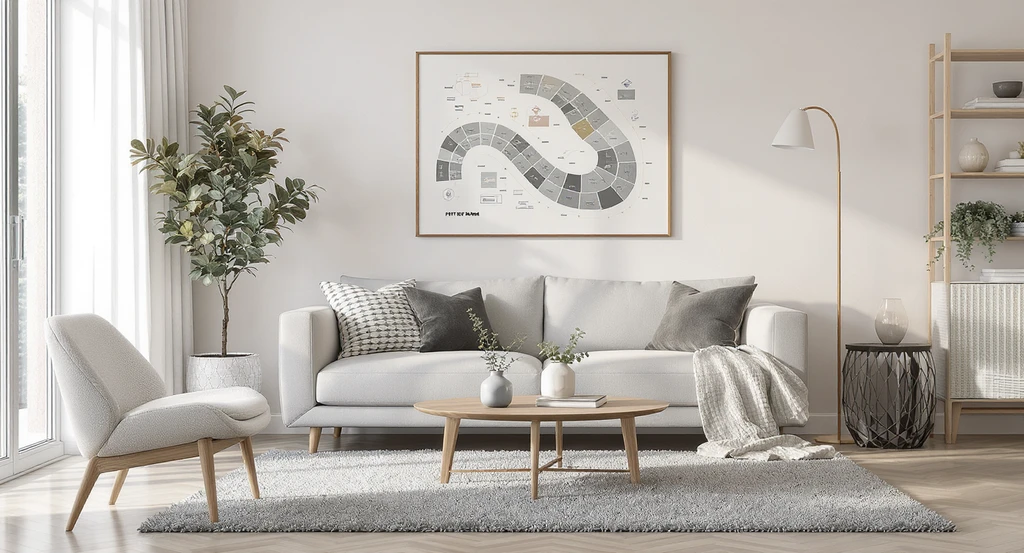
The FAST DESIGN System: Step-By-Step For Faster Makeovers Image
To design efficiently, use the FAST DESIGN method:
- F Find your starting point: Take clear, well-lit photos and identify what isn’t working.
- A Apply multiple options: Test 2-3 layouts or visual styles, not just one.
- S See real results: Evaluate scale, lighting, and how elements relate spatially. As a rule of thumb, leave at least 24–30 inches between furniture pieces for walking space.
- T Test and compare: Switch options quickly to decide what actually works best.
- DESIGN Decide with confidence: Make your decision after visual, side-by-side review.
-
AI vs Traditional Design: What Changes and Why It Matters
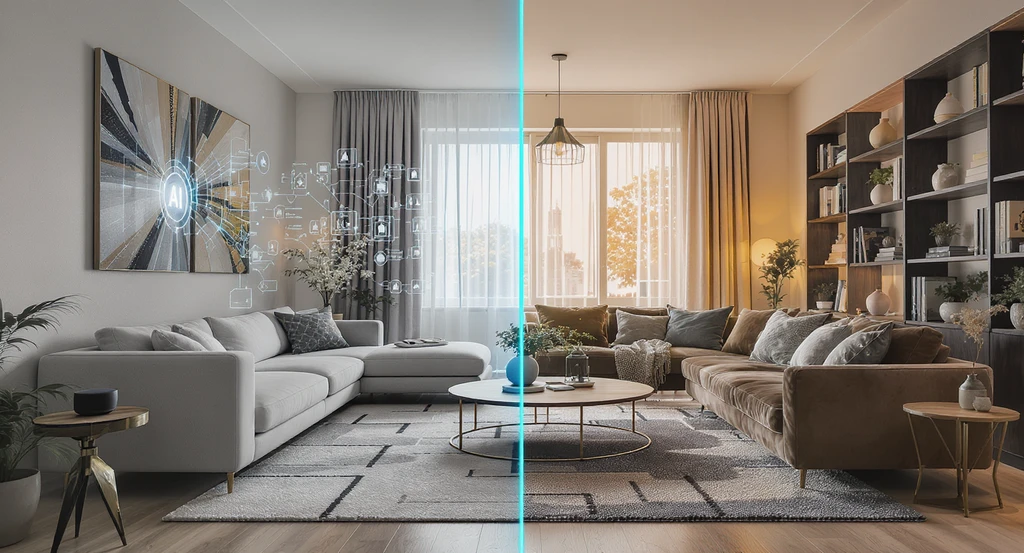
AI vs Traditional Design: What Changes and Why It Matters Image
Traditional design decisions are based on imagination and often show flaws late: furniture that’s too big, awkward layouts, or poor light. Listings with AI-staged images often get 30% more inquiries, showing measurable ROI for visualization upfront Fixes at this stage cost extra and delay completion. Visually clear listings also reduce buyer hesitation and help properties sell faster. With AI-based planning, errors are highlighted instantly in your real room context. Compare side-by-side layouts and materials without moving a thing. Corrections happen digitally and early. This means less rework, fewer returns, and more certainty, critical in renovation or listing projects where each revision increases cost and eats into schedules.
-
Best Tools to Accelerate Room Makeovers
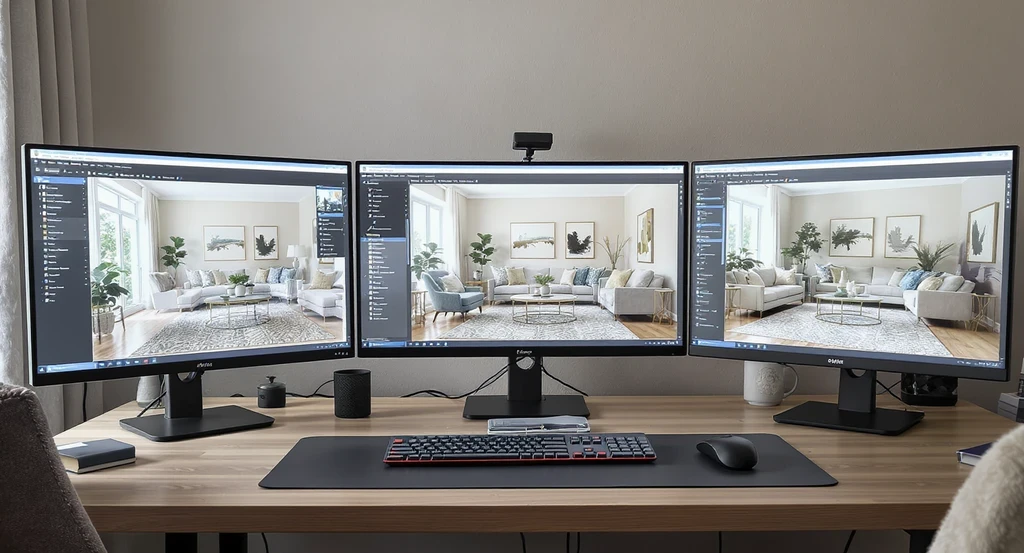
AI-powered room visualization tools for homeowners provide clear previews and virtual staging, accelerating home design decisions and avoiding renovation mistakes.
Who Benefits Most from AI Room Makeovers Homeowners: Make faster decisions without second-guessing purchases Real estate agents: Create clearer, more attractive listings Interior designers: Speed up client approvals with visual previews The right tool removes uncertainty at each bottleneck:
- Photo-based AI platforms let you preview changes using your actual space
- High-quality media modules make visuals clear, consistent, and easy to compare
- Professional services cover tough or high-stakes spaces that need human-level precision
-
When AI Room Makeovers Save The Most Time (And Money)

When AI Room Makeovers Save The Most Time (And Money) Image
Most cost overruns and redesigns start with vague decisions early in a project. Not seeing scale, color balance, or layout relationships up front causes expensive corrections later. AI visualization actively prevents typical setbacks: buying oversized furniture, ignoring walking space, or clashing with existing finishes. By making trial and error digital, decisions are finalized with real clarity, not post-purchase regret. Agencies, MLSs, and homeowners all see faster project cycles and higher buyer confidence when visual clarity takes priority from the start.
-
Common Mistakes (And How To Avoid Them)

Common Mistakes (And How To Avoid Them) Image
Even with AI, avoid these frequent errors:
- Choosing the first version without testing alternatives
- Ignoring layout in favor of style, which can crowd the space
- Adding too many elements, causing visual noise
- Forgetting to check how people move through the room
- Comparing 2–3 visual options
- Assuring clear walkways and functional flow
- Prioritizing proportionality, lighting, and real human use
-
How To Start with AI Room Makeover Tools
How To Start with AI Room Makeover Tools Image
A simple launch process saves time and limits error:
- Take clear, naturally lit photos of your space from multiple angles.
- Upload them to an AI visualization tool.
- Test out 2–3 layout, color, and lighting scenarios.
- Compare options side by side, note scale, furniture fit, and natural pathways.
- Choose only after visually confirming the best outcome.
Visualization Scenario
Imagine uploading a picture of your cluttered living room. Seconds later, three clean, visually balanced versions appear, each with distinct layouts, furniture, and colors. You can judge immediately which version fits your real space and lifestyle best, without risk or guesswork.
Frequently Asked Questions: AI Room Makeovers
- What are AI room makeover tools?
- They are software platforms that let you upload a room photo and see realistic design changes—layouts, styles, and colors—before making real-life updates.
- How do these tools speed up the design process?
- They remove the guesswork and enable fast side-by-side comparison. When you see exactly how options look, you decide more quickly and avoid rework.
- Do I need prior design experience to use them?
- No design experience is needed. Most tools are user-friendly: you upload your photo, choose styles, and review instantly rendered results visually.
- Are the AI results accurate for real-world decisions?
- They are visually precise for planning, but always verify actual measurements before buying or building. Visual accuracy is the key reason decision speed improves.
- Can AI prevent mistakes in small rooms?
- Yes. AI layouts highlight scale and walking space, making them especially useful for small or awkward rooms where fitting elements together is most challenging.
Fast Design Comes from Clarity, Not Speed
The real secret to faster, more successful room design isn’t about skipping steps. It’s about seeing your space for what it is and will be, before lifting a hammer or buying a thing. Using AI visualization tools, decision friction disappears, error risk drops, and outcomes improve for both real estate performance and homeowner satisfaction. Prioritize clear, actionable previews over fast decisions. Clear visuals = confident, fast action = better results. For real estate and renovation alike, visualization is the simplest way to boost listing value, reduce cost, and move forward without hesitation. Before making any design decision, upload a photo of your room and test at least 2–3 variations using AI visualization tools. This simple step eliminates most costly mistakes and helps you move forward with clarity and confidence.