Free AI Image Enhancement Online
Sharpen details, reduce noise, fix lighting and color, and upscale your photos in seconds.
Drag and drop your images here
OR
Supports PNG, JPG, JPEG, TIFF, and BMP. Max file size 5MB per image.
Uploading real estate listing photos with low resolution, grain, or dull lighting can hurt clicks and showings. Styldod's one-click AI image enhancer improves clarity, reduces noise, and balances color and contrast so your photos look crisp and professional fast. Upload a photo and get an enhanced version ready for MLS, marketing, and social.
From the makers of Styldod
Go Beyond Enhancement — Redesign, Stage, and Transform Any Space with conversational AI
3 free designs. No credit card required.
Try ReimagineHome for FreeHow to Use the AI Image Enhancer
Upload a photo, let AI enhance it automatically, then download your improved image.
Upload your photo
Drag and drop or click Upload to add your image. Works great for listing photos.
AI enhancement
Our AI improves clarity, sharpness, lighting, and color balance automatically.
Download result
Download your enhanced image for free, or upgrade to HD for $0.99.
See AI Image Enhancement Before and After
Turn dull, blurry listing photos into sharper, brighter images in seconds. Improve clarity, lighting, and color with one click.


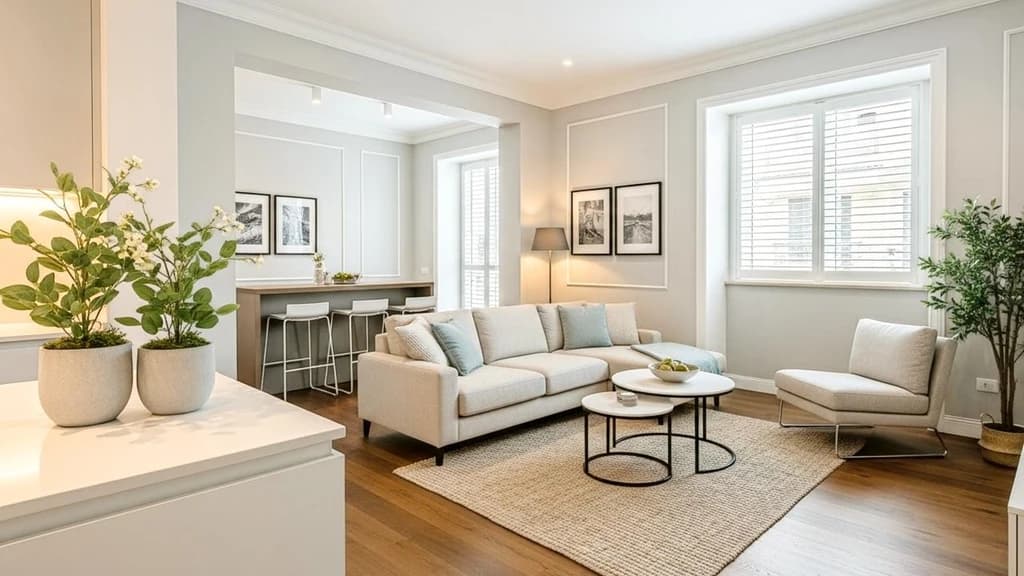
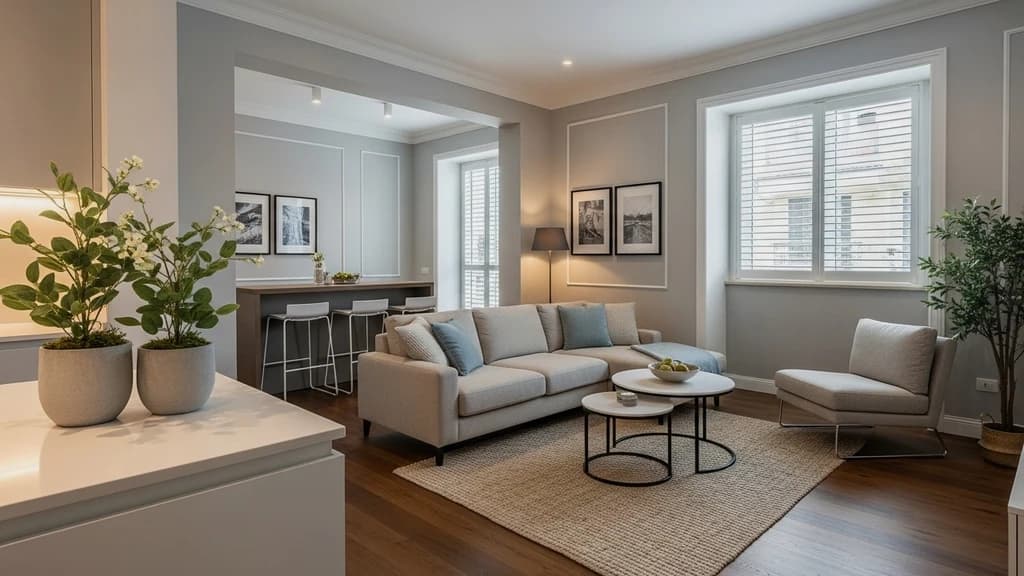
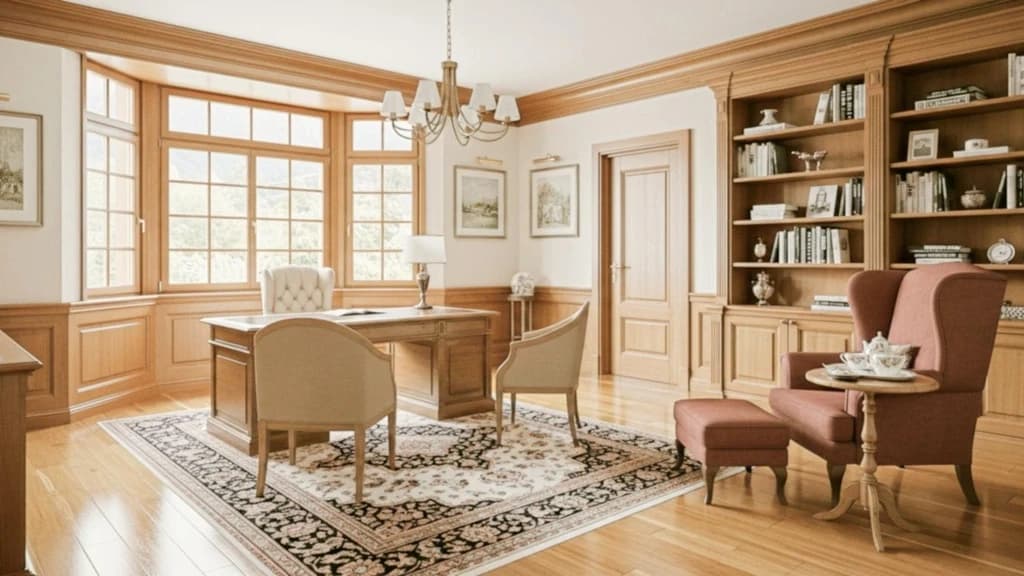
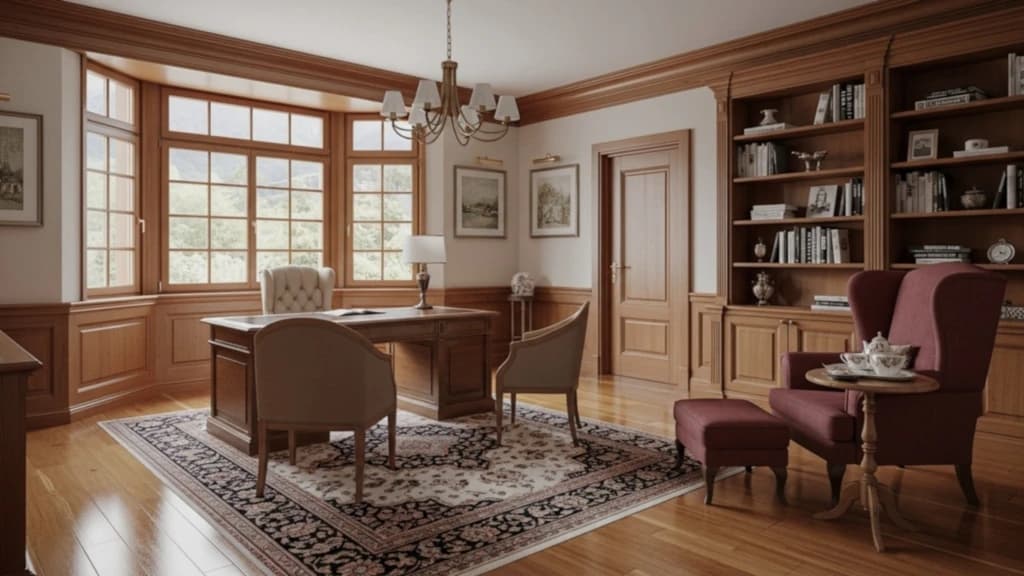
Perfect for MLS, flyers, and brokerage marketing.
Need staged listing photos too? Try Virtual Staging →AI Image Enhancement Online for Free
Upload a photo and get a cleaner, sharper, brighter image instantly. Reduce noise, fix lighting, and improve clarity for listings and marketing.
Enhance Real Estate Photos in Seconds
Improve brightness, sharpness, and clarity for listing photos with one click. Great for MLS uploads, flyers, and social posts.
Sharper Details, Cleaner Images
Reduce noise and blur, crisp up edges, and make interiors look cleaner and more professional without manual editing.
Fix Lighting and Color Automatically
Balance exposure, correct color cast, and boost contrast so photos look natural, bright, and true to the space.
One Upload, Instant Results
Upload your image, let the AI enhance it, then download the improved version right away. No learning curve.
Works with Common Photo Formats
Upload JPG, JPEG, PNG, TIFF, or BMP files. Designed to handle typical real estate photography exports.
Secure Processing for Your Images
Your images are processed safely so you can enhance listing photos confidently for clients, brokers, and marketing teams.
Improve Image Quality in One Click
Enhance real estate listing photos instantly with AI. Upscale resolution, reduce noise, sharpen soft images, and correct color for clean, natural-looking results.
Upscale Image Resolution From Low to High Online for Free
Turn low-resolution images into sharper, more usable photos for listings, marketing, and print. Our AI upscales detail and improves clarity instead of simply enlarging pixels, so your photo looks cleaner and more professional.
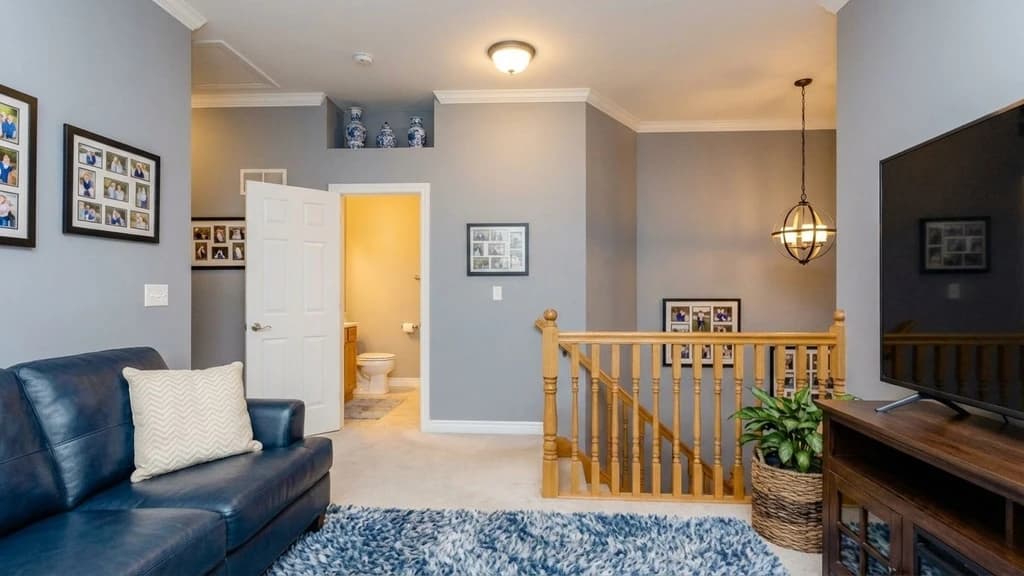
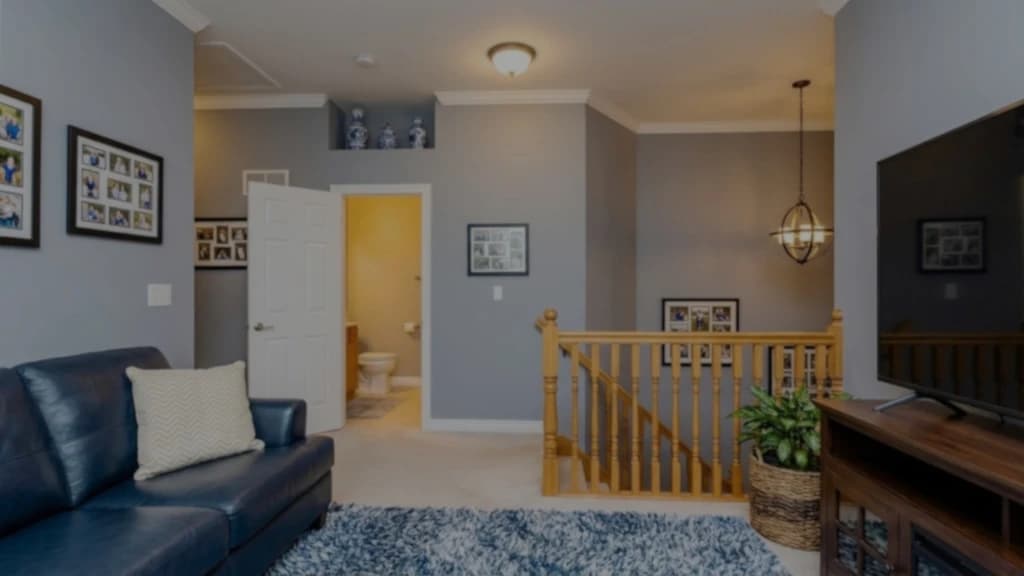
Remove Noise From Images
Reduce grain and speckling from low-light or high-ISO photos in seconds. The AI smooths noise while preserving edges and texture, so the image stays natural and not overly filtered.
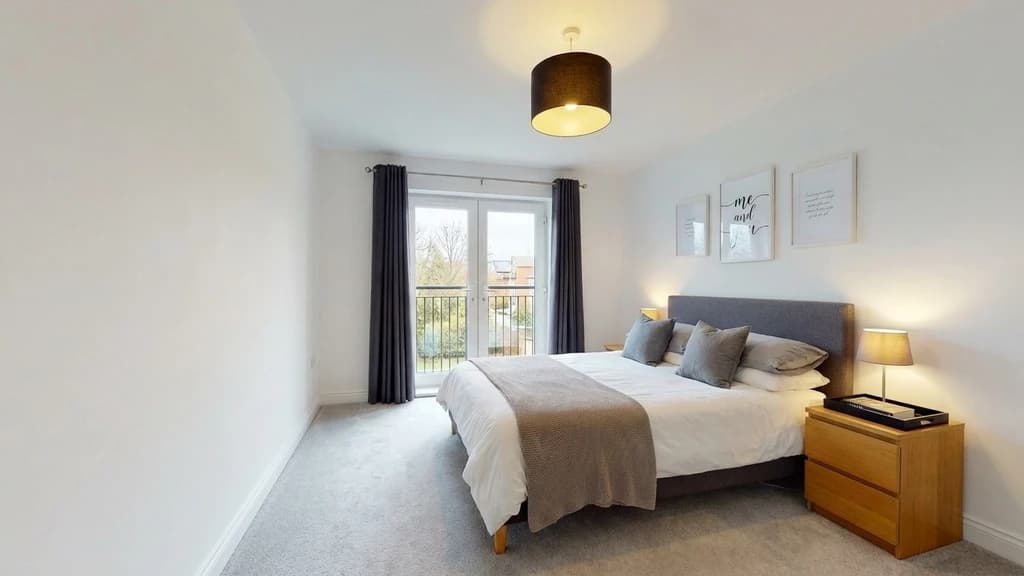
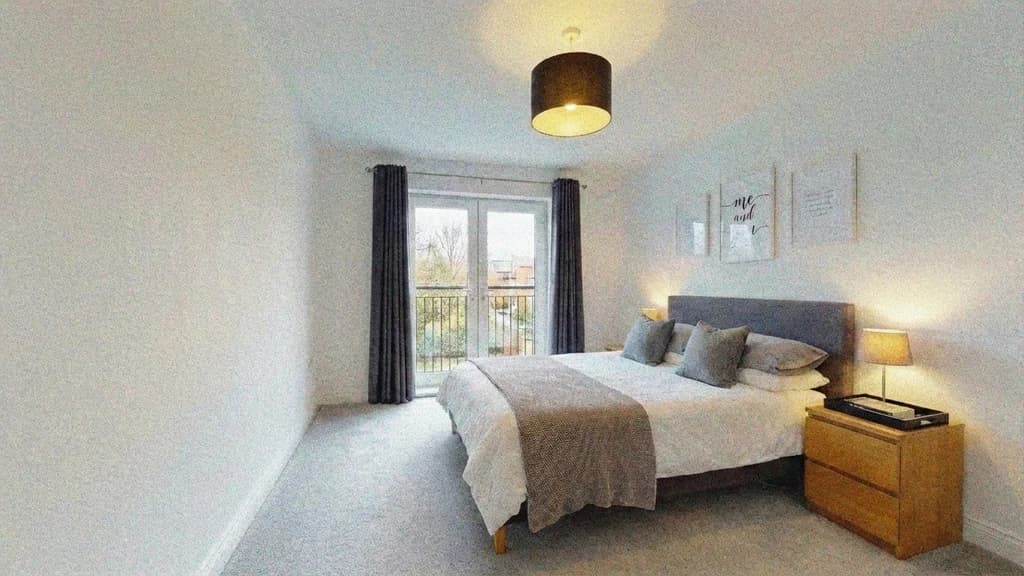
Sharpen a Blurry Image
Make slightly soft photos look crisp by enhancing edges and fine details. Great for handheld shots or images that feel a bit out of focus, so your listing photos look clearer and more click-worthy.
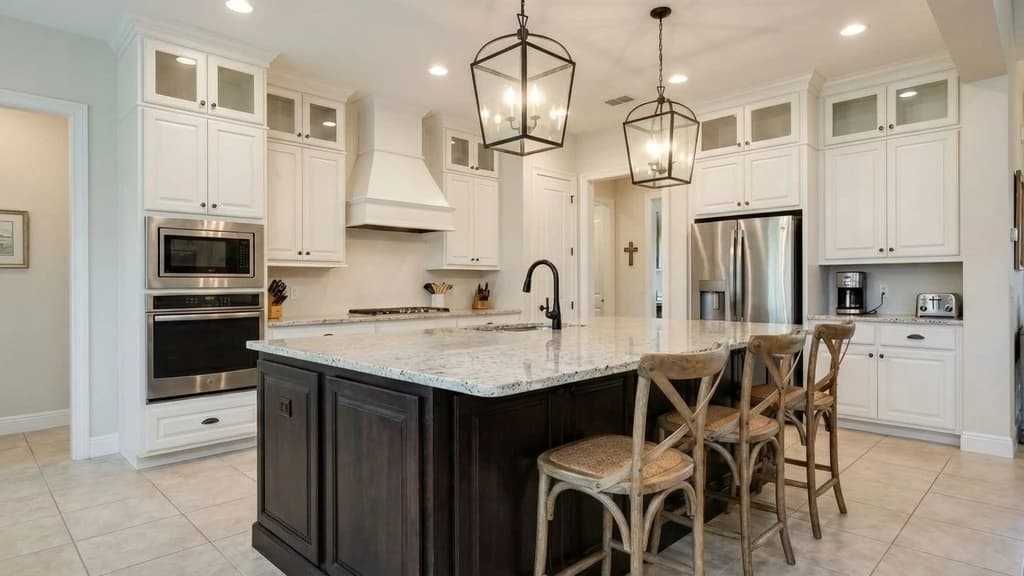
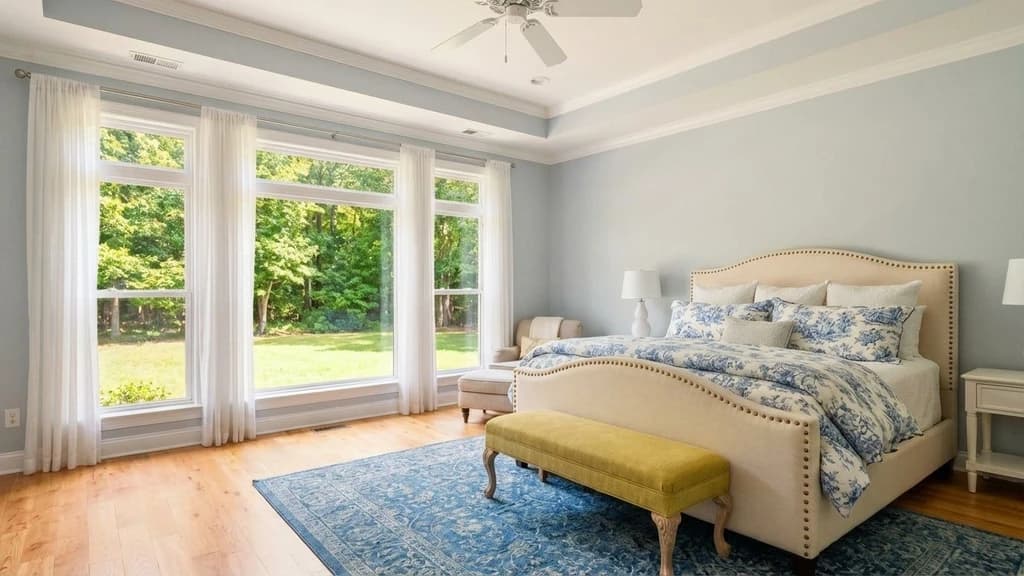
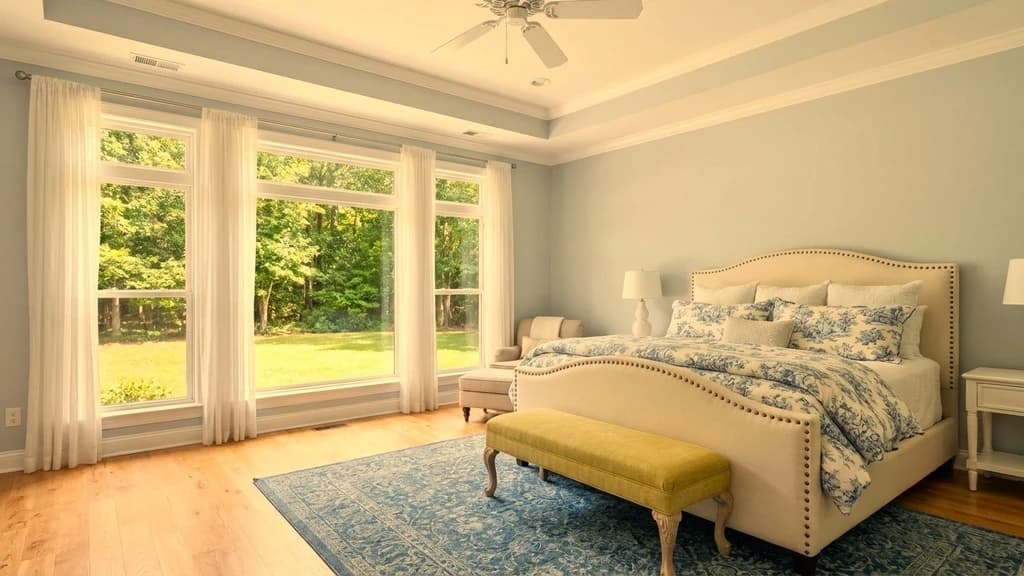
Color Correction for Natural-Looking Photos
Fix color casts, balance whites, and improve brightness and contrast for accurate, true-to-life interiors. The AI corrects lighting and tones so rooms look bright and clean without looking over-edited.
First Time Trying Virtual Staging? Stage Your First Photo On Us.
Upload an empty room and get a buyer-ready staged image in 24 to 48 hours.
FAQs
Frequently asked questions
AI image enhancement improves a photo automatically by fixing common quality issues like low light, blur, noise, and color cast. It helps your images look sharper, brighter, and more natural without manual editing.
It typically improves brightness, sharpness, clarity, contrast, and color balance, and reduces noise and dullness. This is especially useful for real estate listing photos that look dark, flat, or slightly blurry.
You can upload common formats like PNG, JPG, JPEG, TIFF, and BMP. If you see an upload limit on the page, follow that limit (for example, 5MB per image).
Yes. Enhanced photos are commonly used for MLS listings, agent marketing, brochures, social posts, and property websites. Always follow your MLS rules for photo edits, especially around disclosures and compliance.
Yes. Your photos are private to you. We use them only to process your enhancement and generate your result. We do not publish your images.
Yes. You can upload a photo and download the enhanced result for free. If you need a higher-resolution HD export, you can upgrade the download for $0.99.
Upload your image, let the AI process it automatically, then download the enhanced result. No software install is needed—it runs directly in your browser.
No. The goal is to improve perceived quality by sharpening details, balancing exposure, and reducing noise. If you want the best output for MLS, marketing, or print, use the HD download option.
No. It works for many photo types, but it is optimized for listing-style images where lighting, sharpness, and color accuracy matter. If you upload portraits or product photos, you will still see improvements, but results vary by image.