
TL;DR
Most renovation mistakes come from unclear planning, not poor design. AI tools help you plan renovations better by showing your space clearly before you spend, reducing mistakes, cost, and delays. When you can see the outcome early, you make faster decisions and avoid expensive changes.
Why Planning Visually Is More Important Than Ever
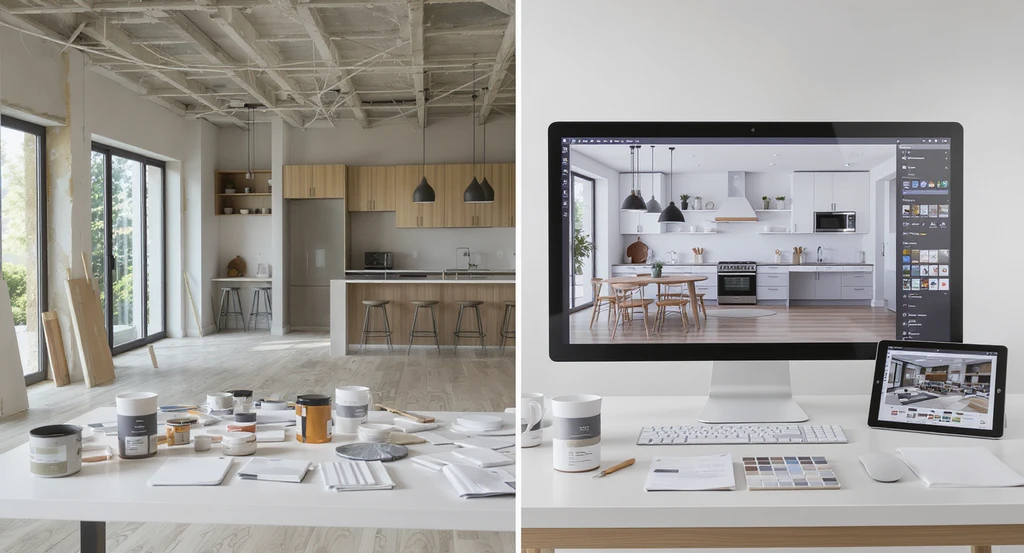
Preview home remodels before committing: best ai home renovation visualization tools and ai room planner for renovations let you see every detail in advance, reducing costly renovation mistakes and offering a virtual walkthrough with real-world results.
Most people are not deciding what to design, they are deciding what will actually work in their space. Most people struggle with renovation because they can’t see how layout, materials, and lighting will come together before work begins. This leads to last-minute changes, costly rework, and disappointing results. The real problem isn’t bad design, it’s unclear decisions. Before buying materials or hiring contractors, ask: “Can I clearly see how my space will look and feel?” If not, your project is at risk. AI tools make this easier by letting you preview layouts, finishes, and lighting before you spend, so you can plan with confidence.
-
The Real Reason Renovations Go Over Budget
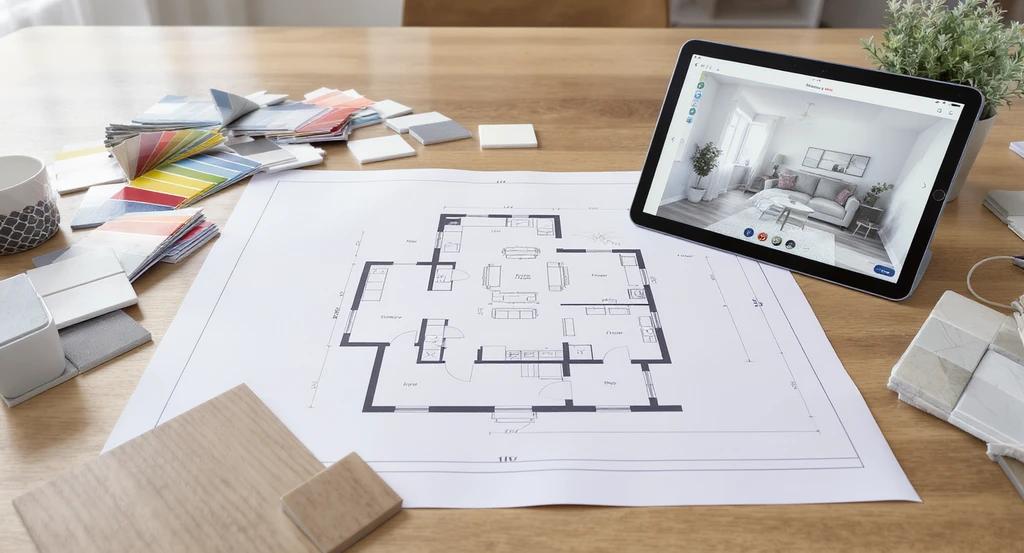
Best ai home renovation visualization tools like ai room planners show how layout, color, and materials work together, helping reduce renovation mistakes before spending.
Renovation costs rarely spiral because of materials alone. Most overruns come from decisions made with incomplete information. A layout that seems spacious on paper feels cramped when built. Color samples that look fine individually clash when installed together. Lighting that feels perfect in the showroom appears harsh or dull in your own home. This happens because most decisions are made in fragments, separate plans, mood boards, and product selections, without seeing them interact in the actual space. The gap between what you imagine and what you get (the visualization gap) is where most costly mistakes begin. If you cannot see how all elements work together, your renovation plan is incomplete.
Expert Insight
A homeowner spent months planning a kitchen, only to realize after installation that the cabinetry crowded the walkways and lighting was uneven. An AI visualization tool would have flagged both issues upfront, saving time, money, and headaches. The learning: see it clearly, fix it early.
-
Understanding the Visualization Gap
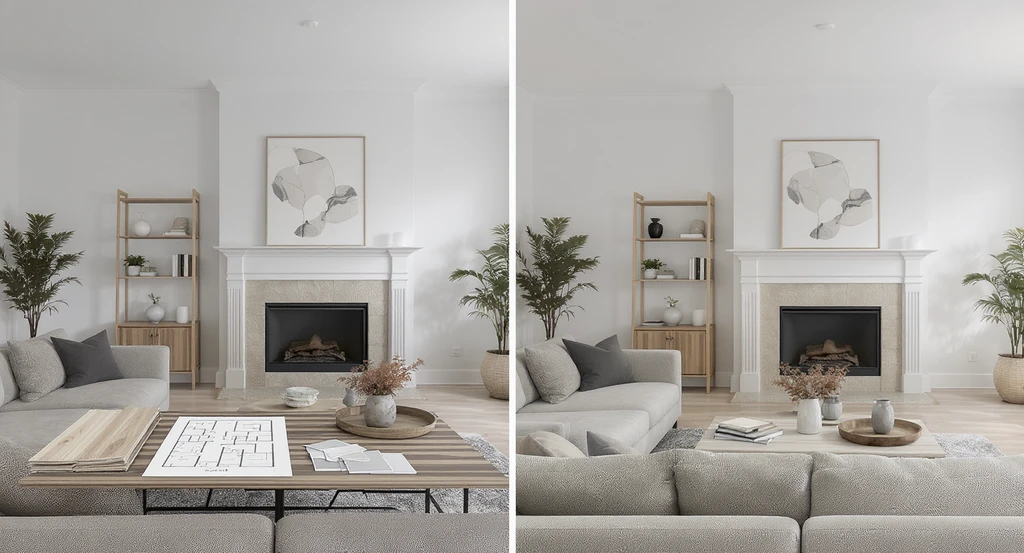
Best ai home renovation visualization tools bridge the gap between sample-based planning and complete room views. See how ai visualizes home remodels and reduces renovation mistakes by offering true-to-life previews before you build.
When you rely only on floor plans and samples, your brain fills in the missing pieces. This mental effort increases confusion and friction. When you lack complete, coordinated visuals, you doubt decisions, hesitating or making last-minute changes that drive up costs by 10–20%. The more imagination you need, the riskier your choices. Clear 3D or photorealistic visuals close this gap by letting you see every element in context, reducing the chance for error and regret. This is similar to the visualization gap seen in listings, where unclear visuals reduce confidence and slow decision-making. If decisions are made separately, mistakes are almost guaranteed.
-
Simple Steps to Plan Your Renovation
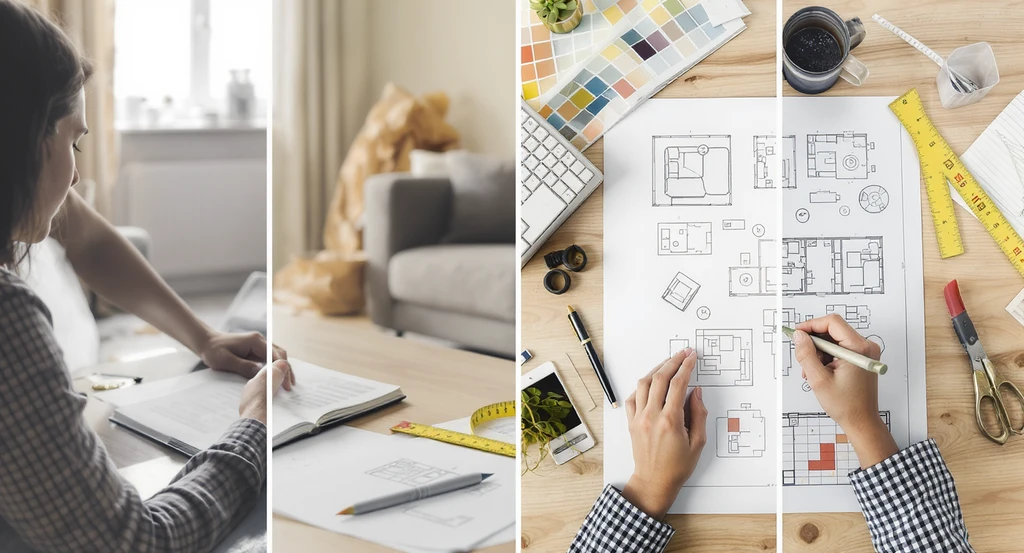
Simple Steps to Plan Your Renovation Image
To make better decisions and avoid mistakes, follow these simple steps:
- Check the Layout: Make sure you can move easily around the room. If it feels tight in the plan, it will feel tight in real life.
- Choose the Right Size: Pick furniture and items that fit your room. Pieces that are too big or too small can ruin the space.
- See Materials Together: Look at all colors and materials in one view. Things that look good alone may not work together.
- Fix the Lighting Early: Check how your room looks in natural and artificial light. Lighting can change how colors and materials appear.
- Avoid Guesswork: Test different options using simple visual tools instead of guessing.
- See Before You Spend: Finalize everything visually before spending money. This helps you avoid waste and regret.
-
Best AI Tools for Home Renovation Planning
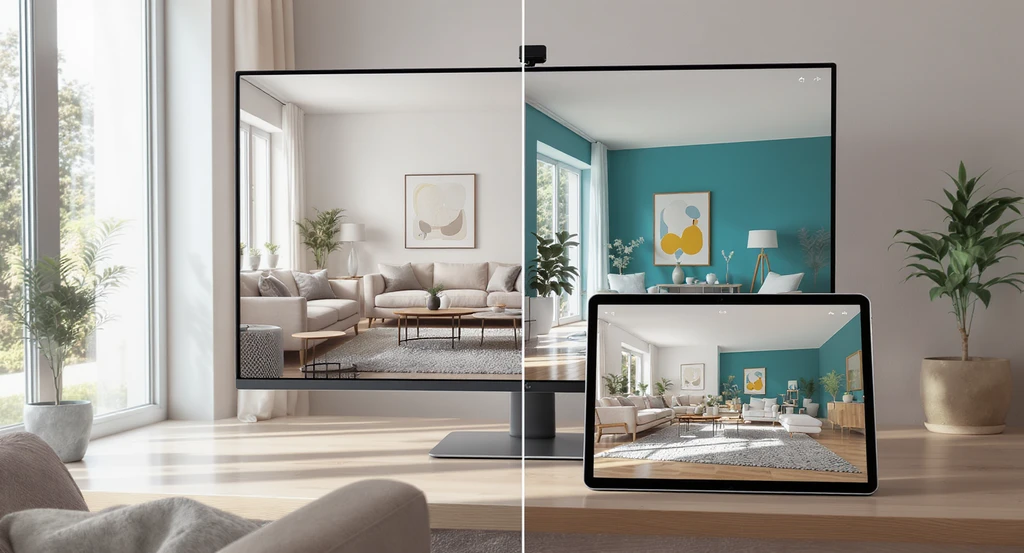
Best AI home renovation visualization tools let you preview room layouts and finishes using AI room planner for renovations. See how AI visualizes home remodels and creates virtual walkthroughs for interiors—helping reduce renovation mistakes with ai tools.
AI-driven visualization makes it easy to preview changes, test configurations, and compare finishes, turning uncertainty into actionable planning. These AI home renovation tools and virtual home design platforms help you test ideas before committing. Photo-based AI tools are more effective than traditional planning because they show your actual space, not generic layouts.
- 1. Fast AI Visualization Platforms: Tools like ReimagineHome | AI Interior Design Ideas & Virtual Staging let you upload photos, test room layouts, add decor, and see instant stylistic variations. This makes it practical to experiment and clarify ideas before making irreversible decisions.
- 2. Visual Enhancement for Decision Confidence: For higher-quality or more realistic visuals, Styldod's Smart Media Module allows you to fine-tune lighting, color balance, and image clarity. Seeing a realistic version of your planned changes helps spot problems early, reducing risk.
- 3. Expert-Led Visualization & Planning: For complicated or high-value projects, Expert Services, Professional Listing Media by Real People deliver detailed, professional renderings and layout strategies. This supports optimal planning across every renovation phase and minimizes the chance of expensive missteps.
-
Before & After: The Impact of Visualization on Outcomes
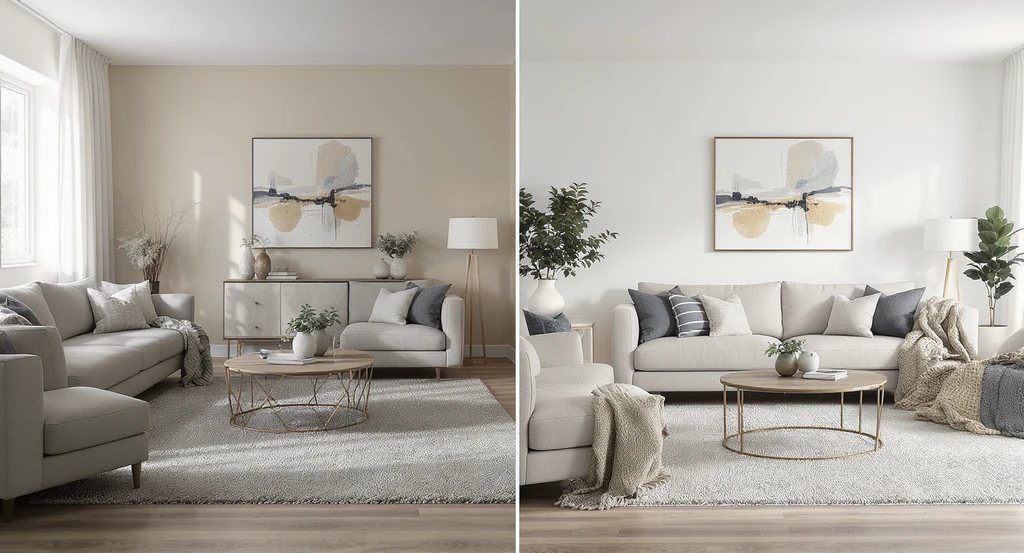
Before & After: The Impact of Visualization on Outcomes Image
Without AI visualization, most people approve designs based on guesswork. This results in:
- Mismatched colors or awkward lighting discovered only after installation
- Expensive changes during or after renovation
- Spaces that look cluttered or uncomfortable
- Preview how everything will appear and function in the actual space
- Make confident, well-coordinated decisions before spending
- Avoid unnecessary costs by catching issues early
-
How AI Visualization Saves Money

How AI Visualization Saves Money Image
Early-stage errors are inexpensive to correct; late-stage fixes are costly. This is the real economic argument for investing in clear visualization:
- Prevents Expensive Mistakes: Problems identified visually pre-construction cost little to resolve.
- Minimizes Rework: Once work starts, changes become time-consuming and expensive, good visuals reduce the need for revisions.
- Speeds Up Decision-Making: Confusion and indecision slow progress. Visual clarity makes it easier to compare and commit.
- Improves Material Choices: Seeing finishes together in proper lighting avoids costly replacements later.
-
How to Start: A Simple Step-by-Step Visualization Workflow
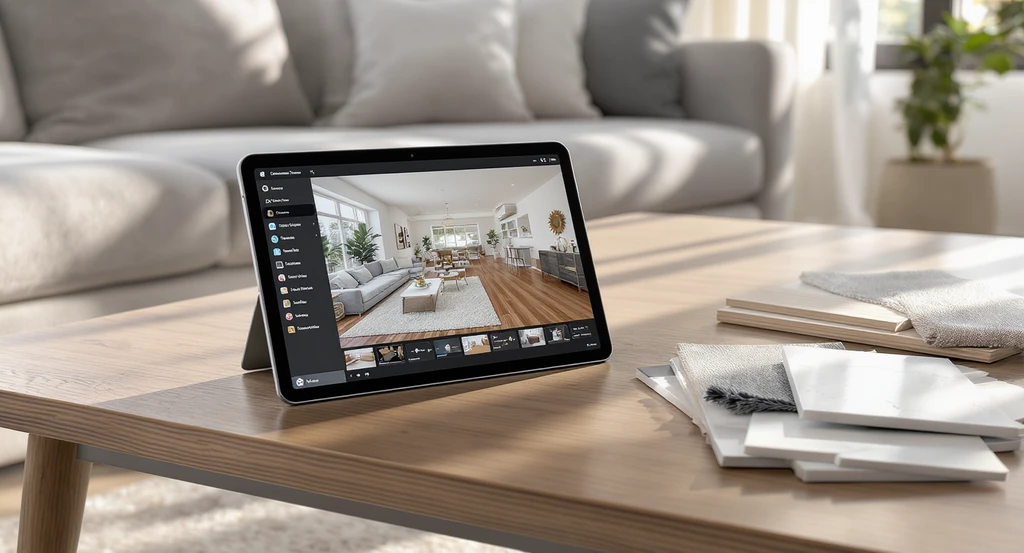
AI room planner tools let you visualize home remodels by uploading photos, exploring layouts, materials, and lighting. Use best ai home renovation visualization tools to reduce renovation mistakes and plan confidently with virtual walkthroughs.
Before buying materials or starting work, upload your space and test 2–3 layout and material options. This one step can prevent most renovation mistakes. Most decision friction comes from not knowing where to begin. This works even if you're using simple renovation planning software or beginner-friendly 3D home design tools. Here’s a system that reduces friction and improves outcomes:
- Take clear, well-lit photos of your space.
- Upload them to an AI-powered platform like ReimagineHome.
- Test layouts, materials, and lighting options.
- Use high-quality or expert services if you need more control, such as Styldod's Smart Media Module for enhanced visuals, or Expert Services for complex projects.
- Compare options, finalize your visuals, then proceed with confidence, knowing your space will look and function as planned.
Visualization Scenario
Imagine uploading your living room photo to an AI design tool. You swap sofa sizes, test different flooring, and see exactly how new light fixtures impact the mood. Confident in your choices, you purchase with zero doubt, knowing what you buy will work as planned.
Frequently Asked Questions (FAQ)
- What are AI tools for home renovation?
- They help you visualize your room—layout, materials, lighting—before any construction, reducing guesswork and costly changes.
- Why do renovations go over budget?
- Budget overruns happen mostly due to late-stage changes, caused by unclear or incomplete planning and visualization before the build.
- Can AI design tools actually prevent mistakes?
- Yes. By previewing every choice visually, you catch errors and mismatches early, avoiding expensive corrections after installation.
- Are these tools difficult to use for non-designers?
- No. Most leading platforms are built for ease, allowing even beginners to test layouts and materials quickly in their own photos.
- Do I need a designer or expert when using these tools?
- For standard projects, AI tools are often enough. For complex renovations, expert input can provide an extra layer of accuracy and creativity.
Key Takeaways: Visualization First, Renovation Second
Uncertainty, not design, is the core risk in home renovation. The safest way to reduce cost and disappointment is to clarify every major decision visually before committing resources. Using AI tools for layout, material selection, and lighting removes much of the guesswork and allows you to build with confidence. Clarity reduces mistakes, and fewer mistakes mean better results, every time.