TL;DR
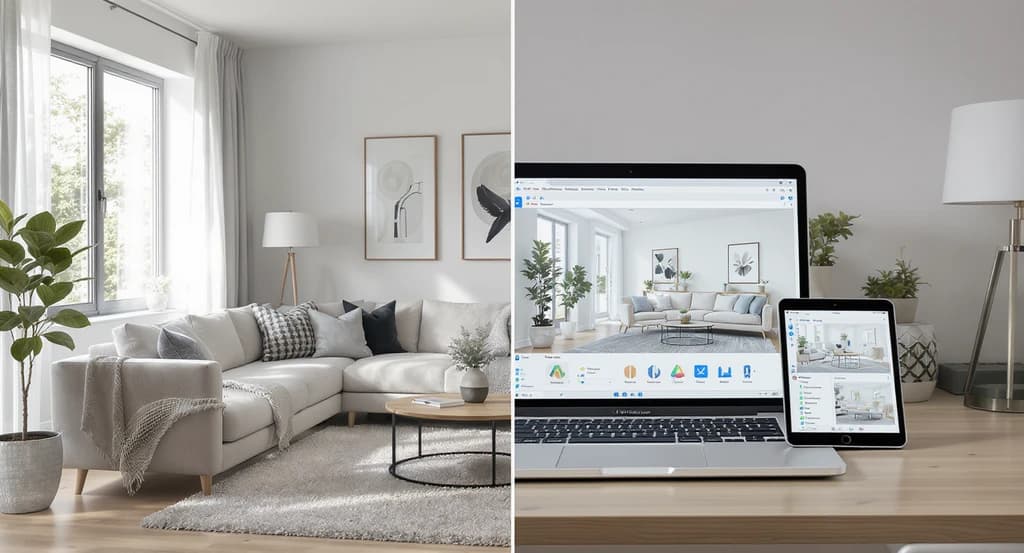
AI room design tools let you see your actual room with different layouts, furniture, and colors before spending money. By showing what truly fits and works in your space, they remove guesswork, reduce costly mistakes, and help you make faster, more confident decisions, whether you’re renovating, staging for sale, or optimizing any living space.
Why Room Design Decisions Feel Uncertain (And How Visualization Fixes It)
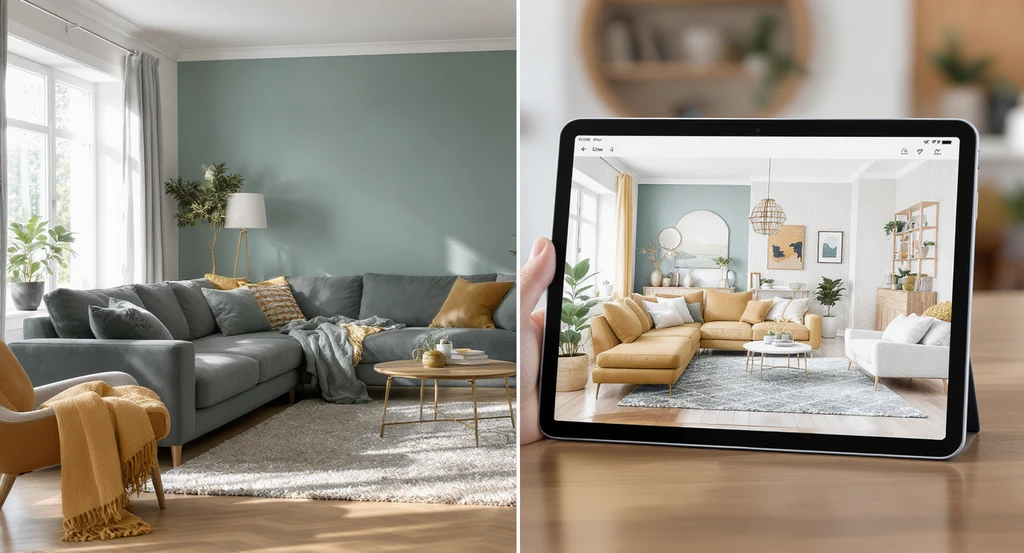
See how AI room visualizer tools work and the benefits of AI home visualization: this split living room shows common mistakes with room design AI and reveals the power of AI for interior planning and real estate previews before making big decisions.
Most people don’t struggle with taste, they struggle with predicting what will actually work in their space. The real challenge is understanding how layout, scale, and lighting come together in real conditions. If you cannot see your space clearly, you are making a risky decision. This is why many homeowners now use AI interior design tools for beginners to visualize their room before buying furniture or making changes. Design risks happen when you cannot clearly see scale, lighting, and layout before making a decision. Mistakes rarely stem from bad taste, they happen when spaces are seen only in imagination or on flat floor plans. You might only discover furniture blocks pathways, colors clash, or lighting feels wrong after it's too late. Visualization tools exist to make unseen risks visible, for homeowners, designers, and real estate professionals alike. Most people are not deciding what looks good, they are deciding what will actually work in their space.
-
What AI Room Design Tools Actually Do (And Why It Matters)
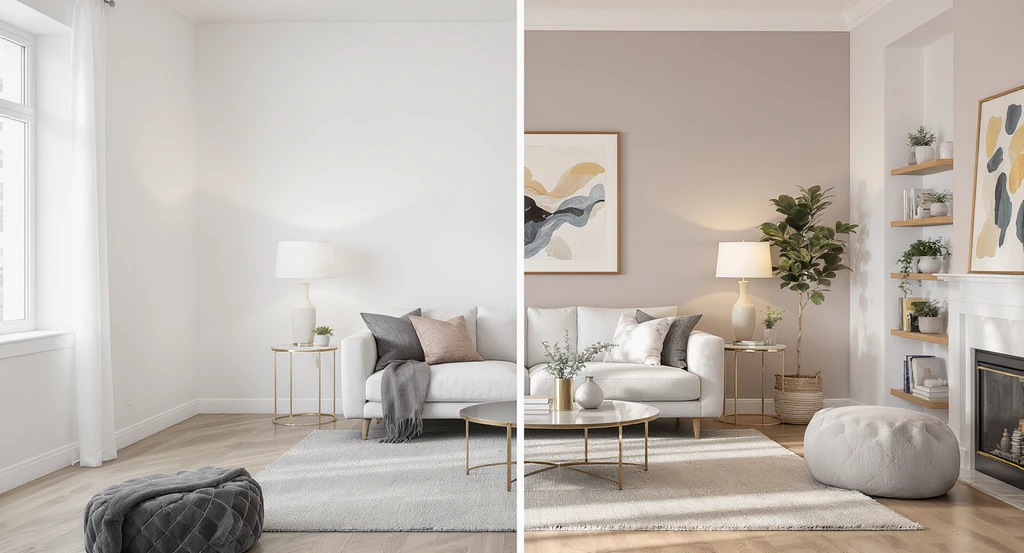
A split-view shows how AI room visualizer tools work by overlaying true-to-scale design options in a real living room. Discover the benefits of AI home visualization, how to use AI for interior planning, and avoid common mistakes with room design AI before making property decisions.
AI room design tools process real room photos to generate true-to-scale previews that show exactly how different layouts, colors, and furniture will work in your space. Instead of relying on templates or inspiration images, these tools test ideas directly on your room. The psychological benefit is immediate: decision friction drops, because you’re no longer relying on guesswork or hoping finished results match imagined ones. Functionally, these tools expose potential problems, such as cramped flow or mismatched pieces, before they become costly mistakes. This clear visual output helps buyers, renters, and agents quickly rule out what doesn't work, making every spatial decision more precise and less stressful. This is why AI room design tools for beginners are becoming essential, they help you visualize your room before buying furniture or making changes.
Expert Insight
A real estate agent trusted floor plans to stage a small condo. After setup, the main sofa blocked the balcony doorway and competing colors made the space feel busy. When the agent tested the same layout with a room visualization tool first, the mistakes stood out clearly, and the new, optimized layout brought more buyer interest upon relisting.
-
Why Most Users Misuse Visualization Tools (And the Cost of Guesswork)
Why Most Users Misuse Visualization Tools (And the Cost of Guesswork) Image
Most people use these tools for inspiration, but fail to use them for decision-making. That’s where mistakes begin. Many people treat AI design tools as 'style labs' for inspiration only. This is where costly mistakes begin. The reality: most problems happen when users don’t test for scale, lighting, and spatial relationships, relying on ideas, not outcomes. Poor visual clarity is the main driver of decision friction. It’s easy to fall for a photorealistic render yet overlook if the arrangement actually fits the room’s day-to-day needs. This leads to the same result as listing an empty home: buyers can’t understand scale or flow, so decisions are delayed and outcomes suffer. Before trusting any result, always ask: does everything work together, or am I missing hidden issues? If you don’t see it, you can’t prevent it. Most people don’t make bad design choices, they make unclear decisions.
-
The Step-By-Step Logic: How AI Room Visualization Tools Work

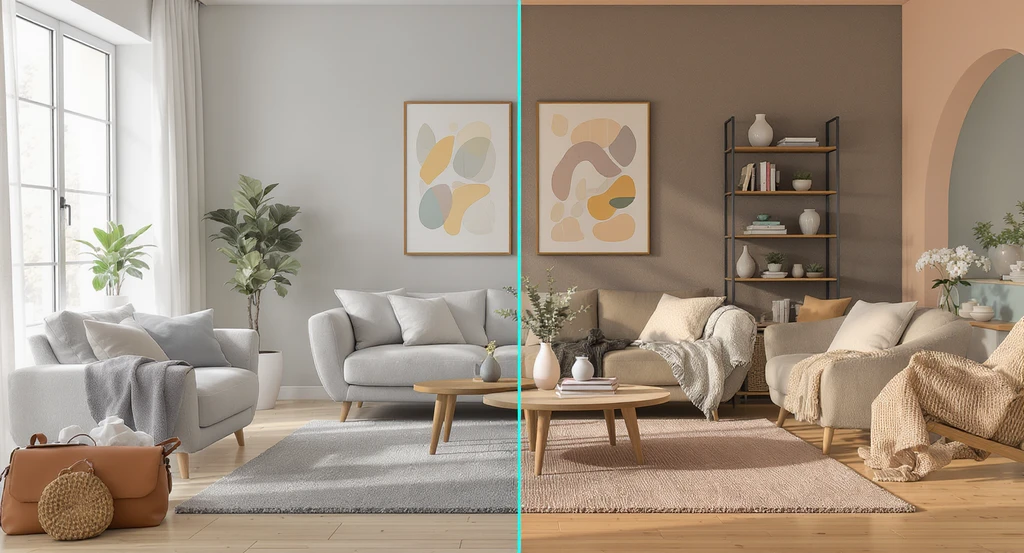
See how AI room visualizer tools work: a real living room is transformed side-by-side with AI-powered suggestions, highlighting the benefits of AI home visualization, minimizing common mistakes with room design AI, and showing the best AI tools for real estate previews in action.
The core process for most AI visualization platforms follows a clear structure. This system can be understood as the Visual Decision Loop:
- 1. Upload your room photo: The tool automatically detects walls, floor, windows, and existing furniture. This is the start of spatial mapping.
- 2. Size and proportion analysis: Algorithms measure relative dimensions to ensure suggestions (like furniture sizes) make sense for your layout, not generic templates.
- 3. Design and layout options: The system generates furnishings, color palettes, and configurations for your specific space, based on real-world scale.
- 4. Lighting and material simulation: Direction and intensity of light are factored in, so you see true impact of colors, finishes, and arrangement under real lighting.
- 5. Compare and adjust: Visual outputs allow instant side-by-side comparison, exposing any issues in movement, fit, or cohesion before action is taken.
-
Why Visualization Reduces Costly Mistakes (And Boosts Listing Performance)

Why Visualization Reduces Costly Mistakes (And Boosts Listing Performance) Image
Most expensive design or staging errors result from missing context, not lack of style. Blocked walkways, dark color schemes, and furniture that feels misplaced are all issues of spatial logic. High-quality visuals put proportion, lighting, and traffic flow front and center, so every functional misfit is exposed before committing. This is why listings with expertly visualized spaces consistently out-perform those with poor or incomplete visuals, they remove confusion, making buyer decisions faster and more confident. This is the same problem seen in empty property listings, when buyers can’t understand the space, they hesitate and move on. Before moving forward with any design or purchase, upload your room and test at least 2–3 layout variations. Most spatial problems become obvious within seconds when you can see them clearly. For real estate teams needing consistent, standards-based media across multiple listings, modules like the Styldod Smart Media Module optimize this process at scale, reducing media risk and standardizing quality.
-
How to Use AI Visualization Safely (Step by Step)
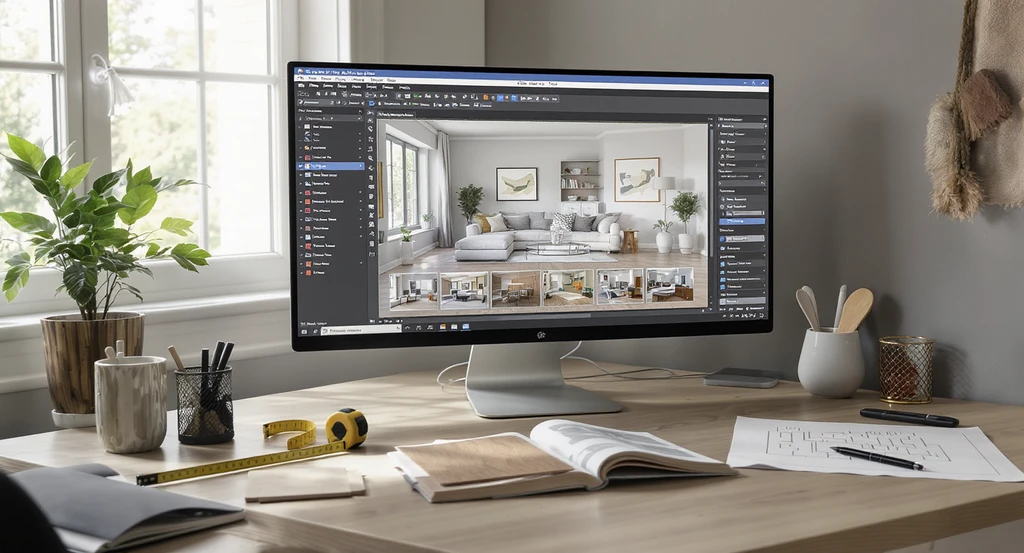
See how AI room visualizer tools work in a real workflow: start with a clean photo, adjust layouts for usability, double-check scale, and compare multiple options. Understand the benefits of AI home visualization, how to use AI for interior planning, and avoid common mistakes with room design AI—essential best practices for real estate previews.
To get the most from AI room design, follow this systematic workflow:
- Start with a sharp, clutter-free photo, AI accuracy depends heavily on input quality. Poor base quality means greater errors in placement and proportion detection.
- Prioritize layout before style, function must work before aesthetics. Does the room feel usable, balanced, and logical? Only add style once function is guaranteed.
- Double-check scale. Ensure that the AI-suggested elements leave adequate room for movement. Misjudged size is a top error in digital design outputs.
- Run and compare multiple options. Never settle for the first render, the best-fit solution often requires testing subtle variations.
- Review for real-life practicality. Choose the version that supports daily living, not just one that looks impressive in a photo.
-
When AI Visualization Isn’t Enough: Know the Limits

When AI Visualization Isn’t Enough: Know the Limits Image
Even with the best AI, some scenarios require expert input. Don’t rely on automated visuals when making decisions about structural changes, electrical, plumbing, or technical measurements. Visualization tools are best used as a pre-decision layer, removing uncertainty before budgets and materials are committed. For renovations, always validate plans with a professional or contractor, especially if walls are being moved or code compliance is required.
-
Biggest User Mistakes, And How to Avoid Them
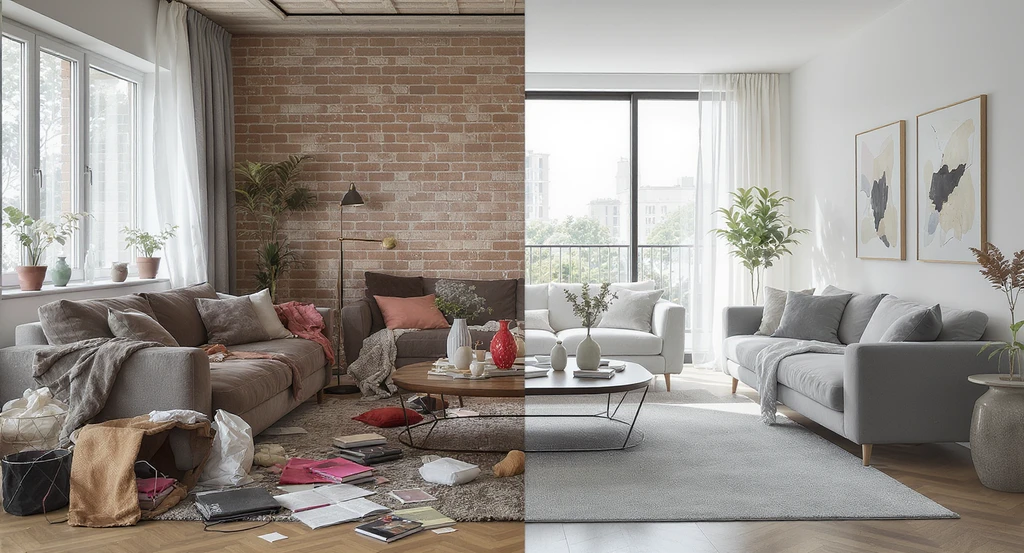
See the benefits of AI home visualization and how AI room visualizer tools work. Avoid common mistakes with room design AI and master interior planning success.
The most common pitfalls in room design visualization come from bypassing practical reasoning:
- Trusting every AI-generated output without testing for real-world movement or comfort
- Choosing visual style over flow and function
- Adding too many features, turning practical spaces into cluttered ones
- Failing to run or compare multiple options, missing better alternatives
-
AI Visualization vs Traditional Planning: Key Differences

AI Visualization vs Traditional Planning: Key Differences Image
Traditional planning relies on imagination and flat floor plans, leaving blind spots in scale and color impact. Decision friction increases because it’s hard to spot problems until the room is done. AI-based visualization provides direct, actionable previews, enabling side-by-side comparison and error detection before money or effort is spent. For busy teams or listing managers, platforms such as the Styldod AI Media Module For Listing Creation automate and standardize these workflows, ensuring every space is shown in its best possible light. The same principle applies in renovation planning, where unclear visuals often lead to expensive late-stage changes.
-
How to Start: A Simple Step-By-Step Workflow
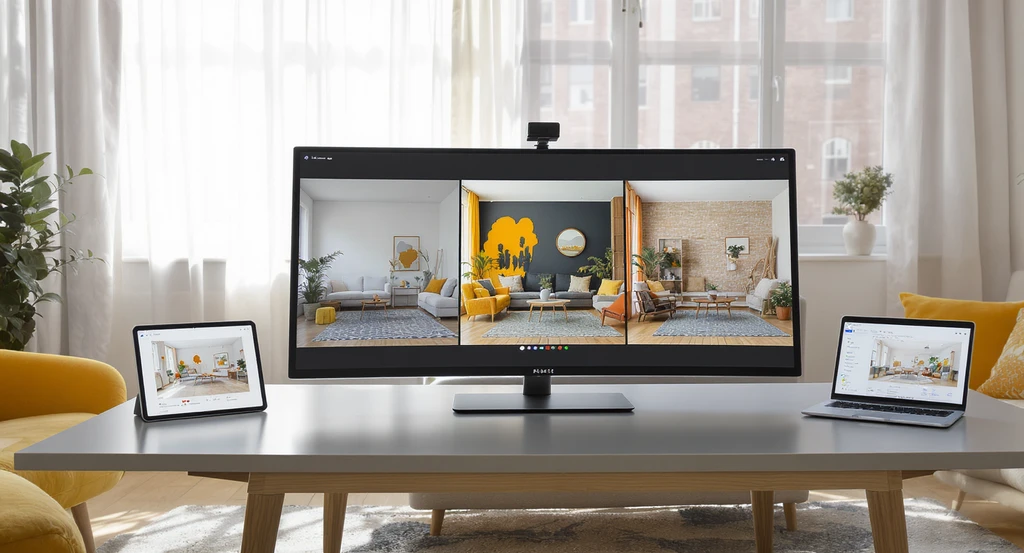
How AI room visualizer tools work: Using photo-based AI for home visualization helps compare layouts, avoid common mistakes with room design AI, and empowers confident interior planning before committing to changes.
This simple process works even if you're using beginner-friendly AI interior design tools or basic room planning software. Photo-based AI tools work better than traditional planning because they show your real space, not a sample or generic layout. Cut uncertainty by following this clear sequence before you buy, build, or list:
- Take a high-quality, well-lit photo of your space.
- Upload it to an actionable AI platform such as ReimagineHome.
- Test 2–3 different layouts or color/material combinations.
- Compare results side-by-side for spatial fit and comfort.
- Finalize your choice (or iterate) before purchasing or committing to changes. If you’re unsure which option works best, compare at least 2–3 variations—clarity comes from comparison, not a single idea.
Visualization Scenario
Picture this: you upload your living room photo, and within minutes, you see multiple versions—one with open seating, another with bolder accents, and a third staged for comfort. You notice instantly which version supports natural light, where pathways open up, and which arrangement feels most inviting. Decision friction disappears because every option is visible, not imagined.
AI Room Design Tools: Frequently Asked Questions
- What do AI room design tools actually do?
- They analyze your real room photo and generate realistic, true-to-scale design variations so you can test layouts and decisions before committing in real life.
- Are AI-generated visuals truly accurate?
- They are excellent for visual proportion and arrangement planning. For construction or technical specifications, always verify measurements with a qualified expert or on-site checks.
- Can beginners use these tools easily?
- Yes. Most AI design platforms are designed for simple photo uploads and automatic results, requiring no prior design experience. They guide users through layout and color planning with minimal learning curve.
- Will AI tools help with small rooms and apartments?
- Absolutely. These tools are especially valuable in tight spaces, helping maximize function and avoid overcrowding—key for renters, homeowners, and agents working with studios or compact layouts.
- When should I use professional or expert services instead?
- For structural redesigns, technical installs, or high-value listings, expert review ensures your plans are viable and compliant with codes. Use AI for broad decisions, then validate with professional input when needed.
Conclusion: Clear Visualization = Confident, Cost-Saving Spatial Decisions
The safest path to better design and real estate decisions is to remove uncertainty before you act. Visualization tools expose spatial risks and highlight functional strengths, so every step, whether for renovation, staging, or listing, becomes clearer and more reliable. Visualization isn’t a bonus; it’s foundational. As more professionals and homeowners expect certainty, adopting these tools early is now a best practice for faster, error-free results. Before making any design decision, upload a photo of your room and test at least 2–3 variations using AI visualization tools. This simple step eliminates most costly mistakes and helps you move forward with clarity and confidence.