TL;DR
Most renovation mistakes happen before construction due to a lack of clear visualization. Using AI tools to preview layouts, materials, and lighting in your actual space helps you make better decisions early, reducing risk, confusion, and costly rework.
Why Most Renovation Plans Fail Before They Begin
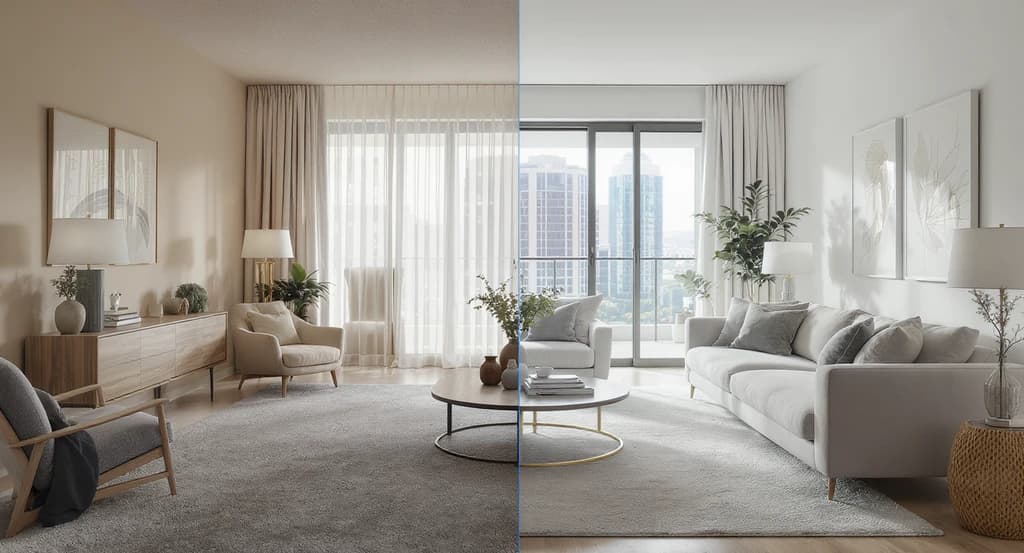
AI home renovation visualization tools make it easy to visualize renovations before you start. See how to visualize renovations with AI and compare AI room design platforms to reduce costly renovation mistakes and improve real-world outcomes.
Every year, countless renovations under-deliver because what looks good on paper doesn’t function well in reality. Most people aren’t just uncertain about what to renovate, they’re unsure what will actually work in their unique space. This gap between ideas and execution is where most costly mistakes and regrets originate. Traditional planning relies heavily on floor plans, mood boards, and separate material samples. But spaces are three-dimensional, lighting is dynamic, and real-world constraints matter. If your decisions about layout, finishes, and lighting are made in isolation or your mind’s eye, you’re introducing risk and unpredictability into your renovation outcome. Visualization tools are bridging that gap, allowing you to see, test, and adjust before you build. The biggest gap in renovation is not between idea and execution, it is between planning and real-life outcome. Visualization closes this gap by turning abstract plans into clear, testable decisions.
-
The Real Problem: The Visualization Gap
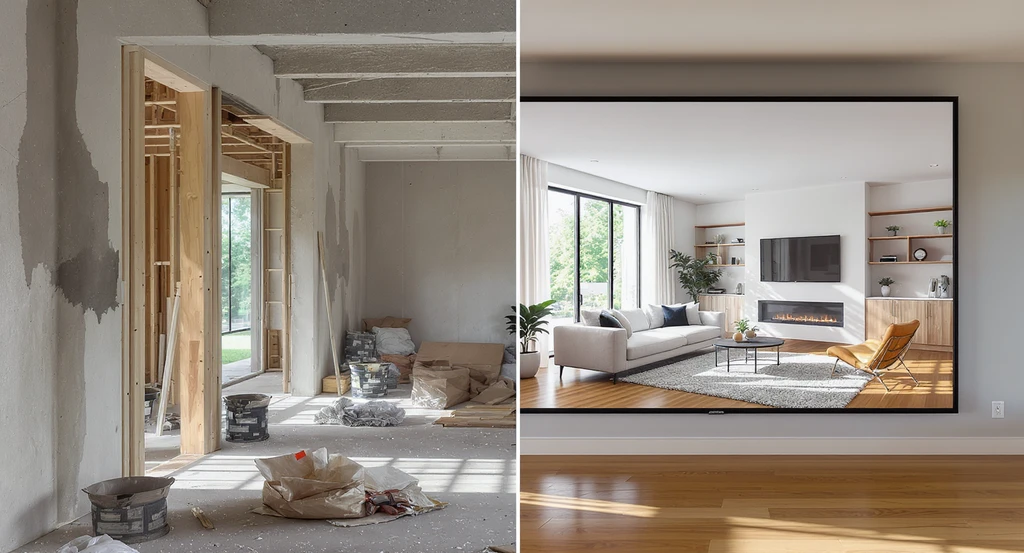
AI home renovation visualization tools help you see how layouts, materials, and lighting interact, demonstrating how to visualize renovations with ai and reduce design mistakes before work begins.
Most people struggle with renovations because decisions are based on assumptions, not clarity. The core challenge isn’t just what to renovate, but what will actually work in your space. A layout might look good in an architectural drawing but can feel cramped or awkward when built. Materials that seemed perfect individually often clash once installed together. Lighting that appears flattering in a store can feel harsh or dull at home. This happens because most planning is done in isolation, without seeing all design elements in context. If you cannot clearly see how layout, materials, and lighting work together, your renovation plan is incomplete. Visualization is not just a design tool, it is a decision-making tool. It helps you evaluate what will actually work, not just what looks good. ReimagineHome | AI Interior Design Ideas & Virtual Staging enables you to preview ideas on your own space, closing the gap between inspiration and outcome.
Expert Insight
A homeowner redesigned their kitchen using only paper plans and separate samples. After installation, finishes clashed and the layout felt tight. For their next project, they used photo-based visualization tools. With side-by-side previews, they caught issues early, made fewer changes, and completed the renovation more smoothly and cost-effectively.
-
Why Visualization Matters in Renovations
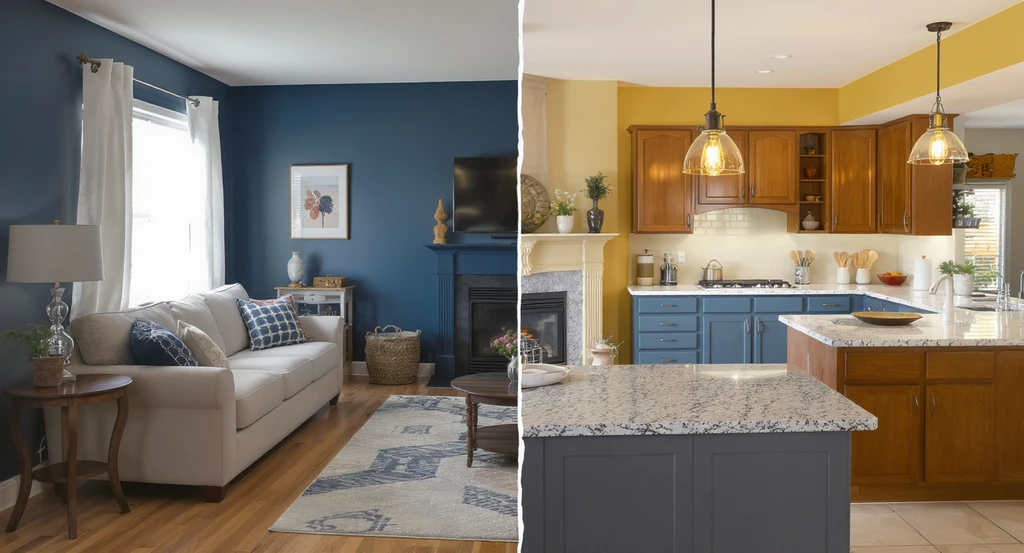
AI home renovation visualization tools show how to visualize renovations with AI, clearly displaying design decisions and reducing renovation mistakes before work begins.
Renovation decisions feel risky because you’re being asked to imagine outcomes that don’t yet exist. This creates friction, doubt, and frequent second-guessing, which often leads to costly mistakes. Visualization eliminates this friction by displaying what your finished space will actually look like, with scale, materials, and lighting in context. When you can see all decisions visually together, you don’t just reduce mistakes, you make faster, more confident choices. If decisions are made separately instead of visually together, misalignments and regrets are likely. This need for visual clarity is the same challenge buyers face in empty home listings, where it’s tough to imagine potential. Visualization bridges this gap, turning uncertainty into confidence.
-
The PREVIEW System: A Step-by-Step Visualization Method
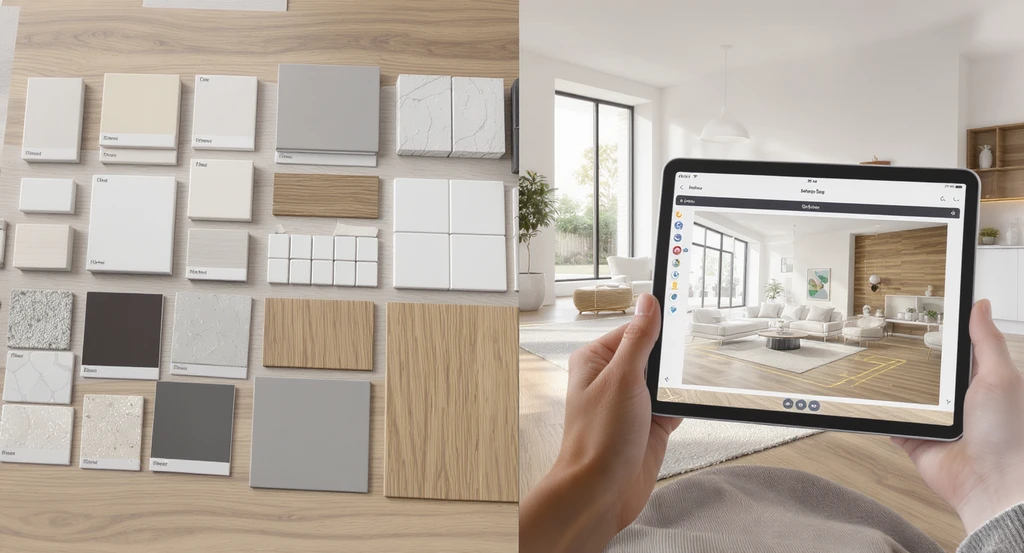
Use ai home renovation visualization tools to compare layouts, materials, and lighting for your space. Learn how to visualize renovations with ai and avoid costly renovation mistakes by previewing every option before starting, maximizing the impact of virtual staging on home sales.
Renovation success is about process, not guessing. The PREVIEW system provides a structured way to remove guesswork:
- Picture Your Space: Take clear photos from multiple angles. Identify problem areas and opportunities.
- Review Layouts: Map potential arrangements and test real movement flows.
- Evaluate Scale and Fit: Virtually test furniture and features for spacing, avoid overcrowding or awkward voids.
- Visualize Materials Together: Place all finishes side by side for true-to-life contrast and harmony.
- Inspect Lighting: Preview daylight, evening, and artificial light effects on colors and surfaces.
- Experiment: Generate and compare at least 2–3 distinct versions of the room.
- Work Only After Clarity: Don’t commit until you’ve seen every option in context.
-
Common Pitfalls Without Visualization (and How to Avoid Them)
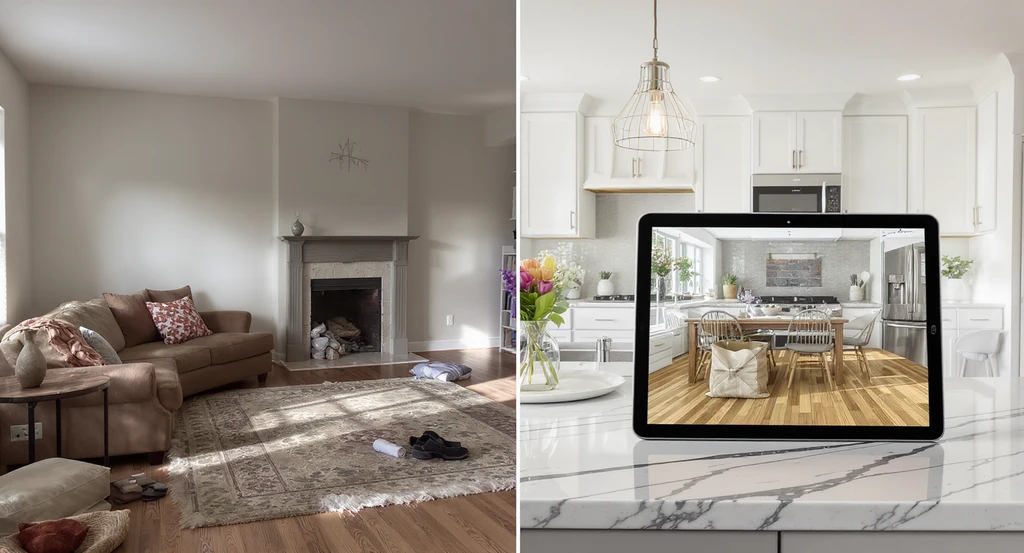
Avoid costly renovation surprises with ai home renovation visualization tools. See how to visualize renovations with ai, compare room layouts and finishes, and discover how ai tools reduce renovation mistakes by previewing surfaces, lighting, and flow before committing to changes.
Most bad outcomes trace back to a lack of contextual visualization:
- Finishes chosen separately often clash when assembled.
- Ignoring movement and layout flow leads to cramped or unbalanced spaces.
- Not testing lighting results in visually disappointing outcomes.
- Late-stage changes increase costs and delay completion.
-
How to Visualize a Renovation: Practical Workflow
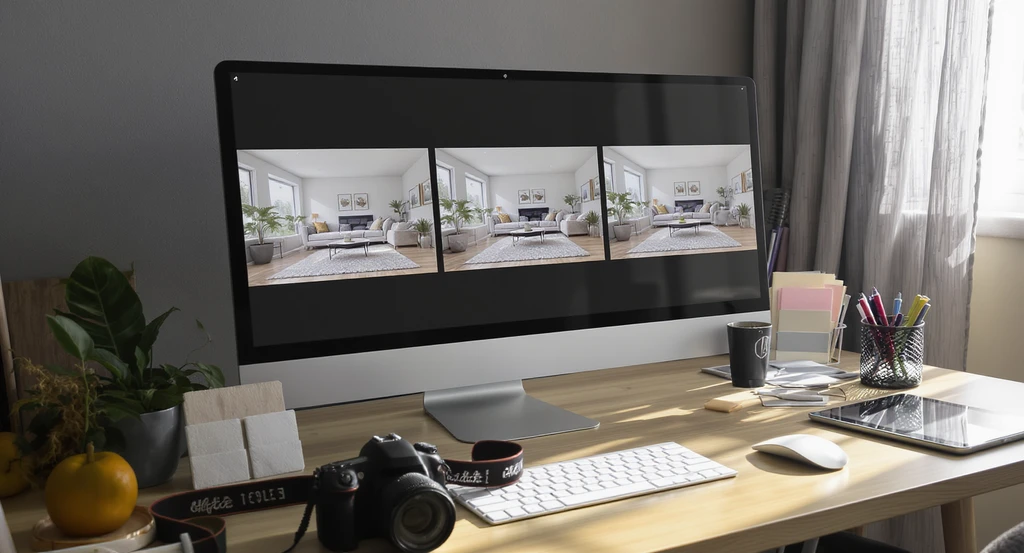
Use ai home renovation visualization tools to compare room design options and overlay lighting changes. Learn how to visualize renovations with ai and reduce mistakes before committing, using virtual staging to aid confident home decisions.
A practical, repeatable workflow saves time and reduces errors:
- Photograph your current space from wide, multiple angles.
- Upload images to AI visualization tools for layout, finish, and lighting experiments.
- Compare 2–3 full-room previews side by side, comparison is more reliable than one-off picks.
- Use overlays or renders to check how lighting changes throughout the day.
- Delay material purchases or contracting until after reviewing all realistic options.
-
Which Visualization Tools Actually Work?
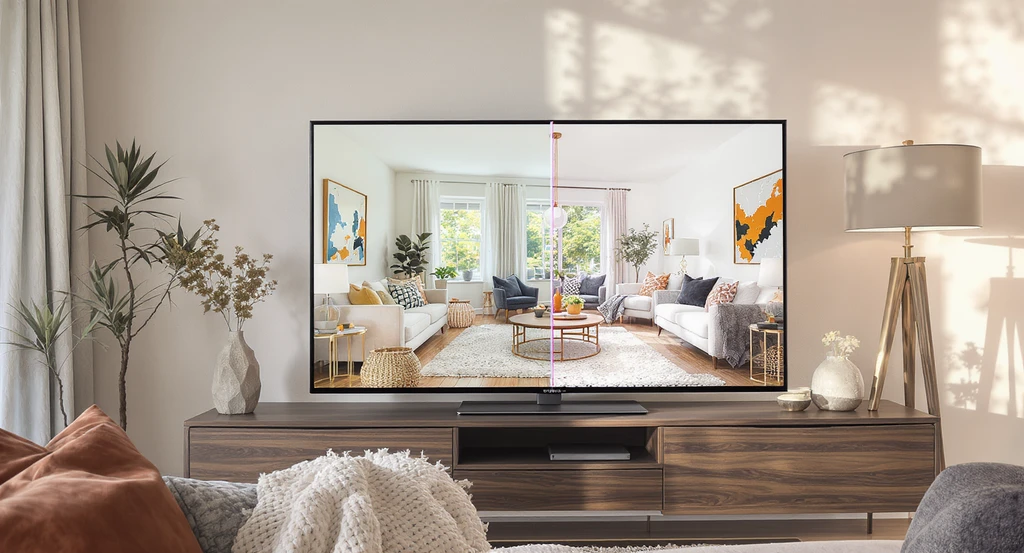
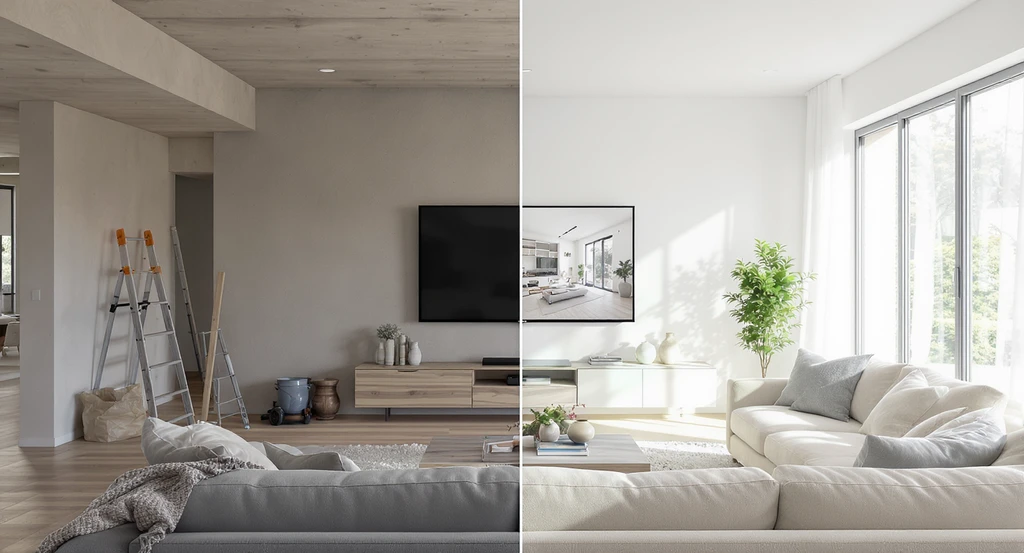
AI home renovation visualization tools like side-by-side previews help homeowners see realistic transformations, compare ai room design platforms, visualize renovations with ai, and reduce renovation mistakes before deciding on real projects.
Not all methods provide clear feedback. Photo-based AI tools out-perform traditional plans because they simulate your real space, not a generic template.
- AI platforms quickly let you preview options on your own photos (see ReimagineHome for instant transformations).
- Enterprise-grade solutions, such as Styldod Smart Media Module, guarantee accurate, compliant, and consistent visuals at scale for teams.
- For high-stakes projects or listings, Styldod Expert Services provide expert review and photorealistic outputs.
-
The 3-Layer System Behind Better Renovation Decisions
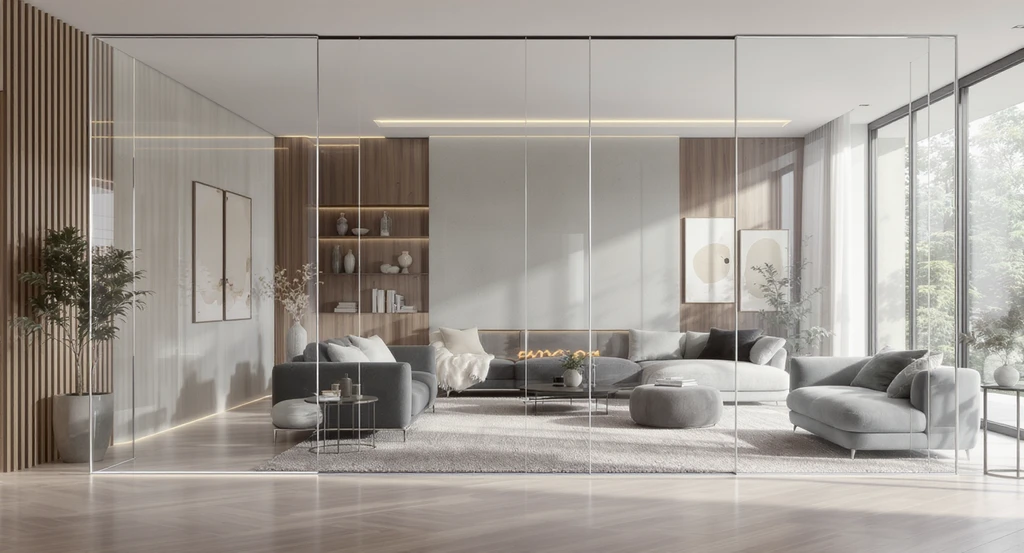
The 3-Layer System Behind Better Renovation Decisions Image
Closing the visualization gap requires a layered approach:
- Decision Layer: Use platforms like ReimagineHome | AI Interior Design Ideas & Virtual Staging to preview layouts, finishes, and materials on your actual photos. This reveals what works in your space and why.
- Performance Layer: Prepare your space for the market. Styldod Expert Services help you showcase spaces that perform well visually and appeal to buyers.
- Operations Layer: For scale, compliance, and workflow control, Styldod Smart Media Module ensures every asset meets quality standards across projects or listings.
-
When Visualization Alone Is Not Enough

When Visualization Alone Is Not Enough Image
Visualization limits mistakes, but it does not replace technical or regulatory expertise. Always engage licensed professionals for:
- Structural changes
- Major electrical or plumbing updates
- Building code compliance
-
The Cost of Skipping Visualization
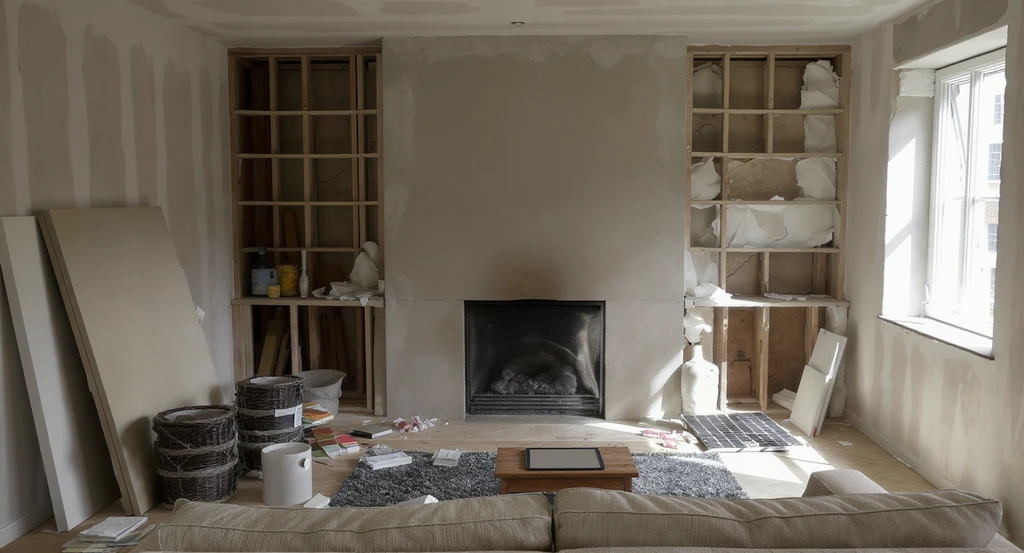
Skipping ai home renovation visualization tools leads to costly renovation mistakes, mismatched finishes, and lighting errors. Learn how to visualize renovations with ai and compare ai room design platforms to reduce errors and increase satisfaction.
Skipping visualization usually results in higher costs, late-stage changes, and disappointment. Many users underestimate how scale, lighting, or finishes interact until they see it built. These late-discovered problems are expensive to fix and cause unnecessary stress. Psychologically, users who visualize early report more satisfaction and fewer regrets because they know what to expect. Strong visual planning is not only a design perk, it’s practical risk management. Every mistake caught before building saves you time, budget, and frustration.
-
How Visualization Directly Improves Results
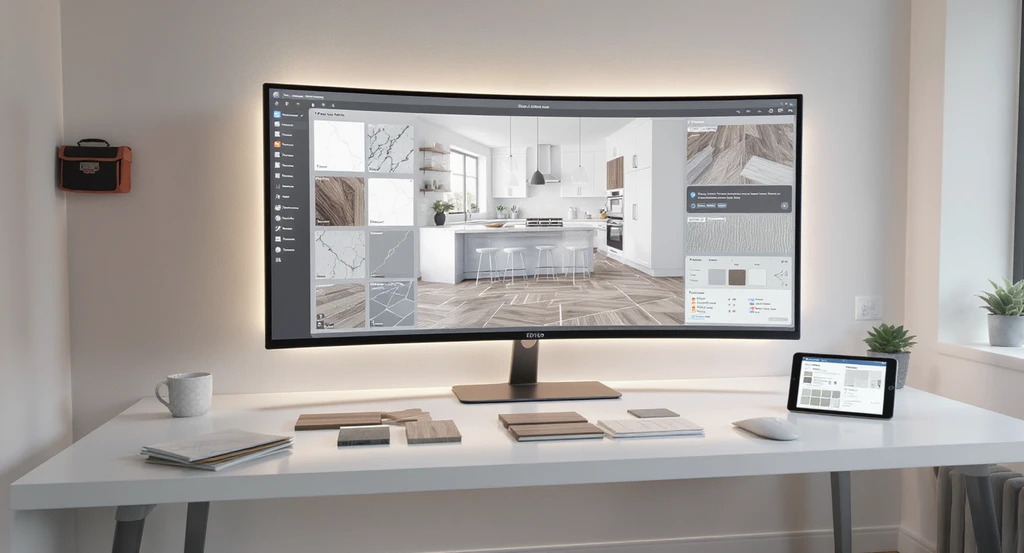
Ai home renovation visualization tools prevent layout issues, enable intentional lighting planning, and reduce renovation mistakes. Compare ai room design platforms for clearer renovation outcomes and improved virtual staging impact on home sales.
When you use visualization upfront:
- Layout issues are resolved early
- Material and color mismatches are prevented
- Lighting is intentional for function and mood
- Teams align faster and with less friction
Visualization Scenario
Imagine uploading a photo of your living room to an AI platform. Instantly, you preview three possible furniture layouts and wall colors. You notice a flow problem with one version, fix it, and choose finishes that now match perfectly. With these previews, you eliminate hesitation and know your design will work before spending a dollar.
Frequently Asked Questions
- How can I visualize my renovation before starting?
- Use AI visualization platforms to preview finishes, layouts, and lighting in your actual space. These tools provide fast, accurate feedback and reduce reliance on guesswork.
- Why is visualization important in renovation?
- Visualization catches scale, flow, and finish issues before they become expensive problems. It boosts confidence, speeds up decisions, and prevents costly errors.
- Are AI visualization tools accurate?
- These tools provide a reliable preview for spatial and visual decisions. For technical planning or complex changes, still confirm details with professionals.
- Can beginners use these tools?
- Yes. Most photo-based AI design tools are simple—just upload a picture and try different options, no design or technical expertise needed.
- How many options should I preview before deciding?
- Review at least 2–3 complete combinations of layout and materials to spot the best fit for your needs.
Don’t Renovate Before You Can See It Clearly
Before you commit to any renovation, photograph your space and use visualization tools to preview at least 2–3 combinations of layout and materials. This single step catches most preventable mistakes, controls costs, and ensures your finished result matches your vision. Expensive errors rarely happen during renovation, they happen because visualization was skipped in the decision stage. Strong visuals are your best hedge against risk and regret.